

Blog
Announcements, updates, balance notes and events.
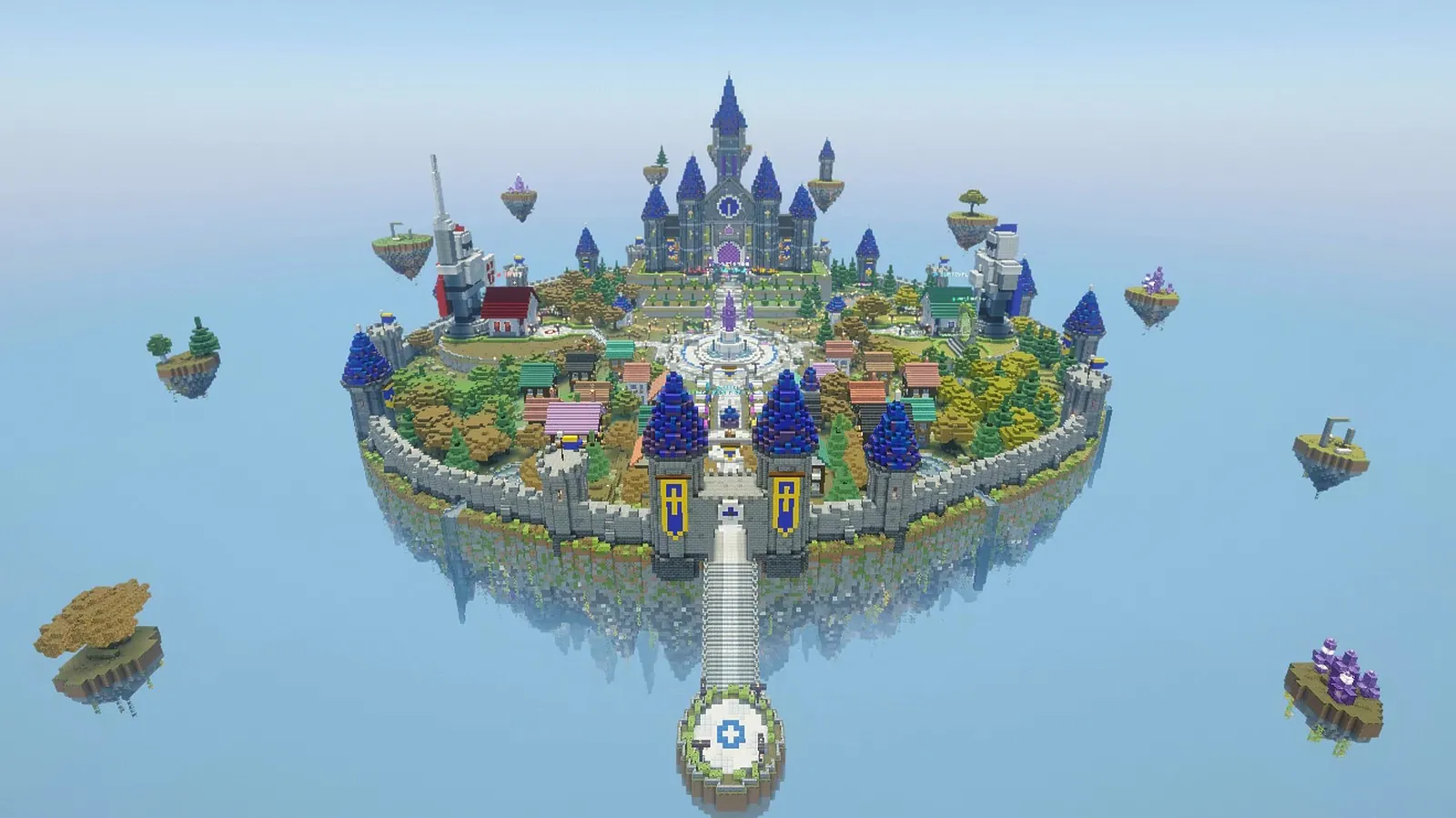
How to Join a Server with TLauncher: Step-by-Step Guide (2026)
How to join a server with TLauncher: pick the right version, add the server, register and log in, and fix the most common errors, step by step.
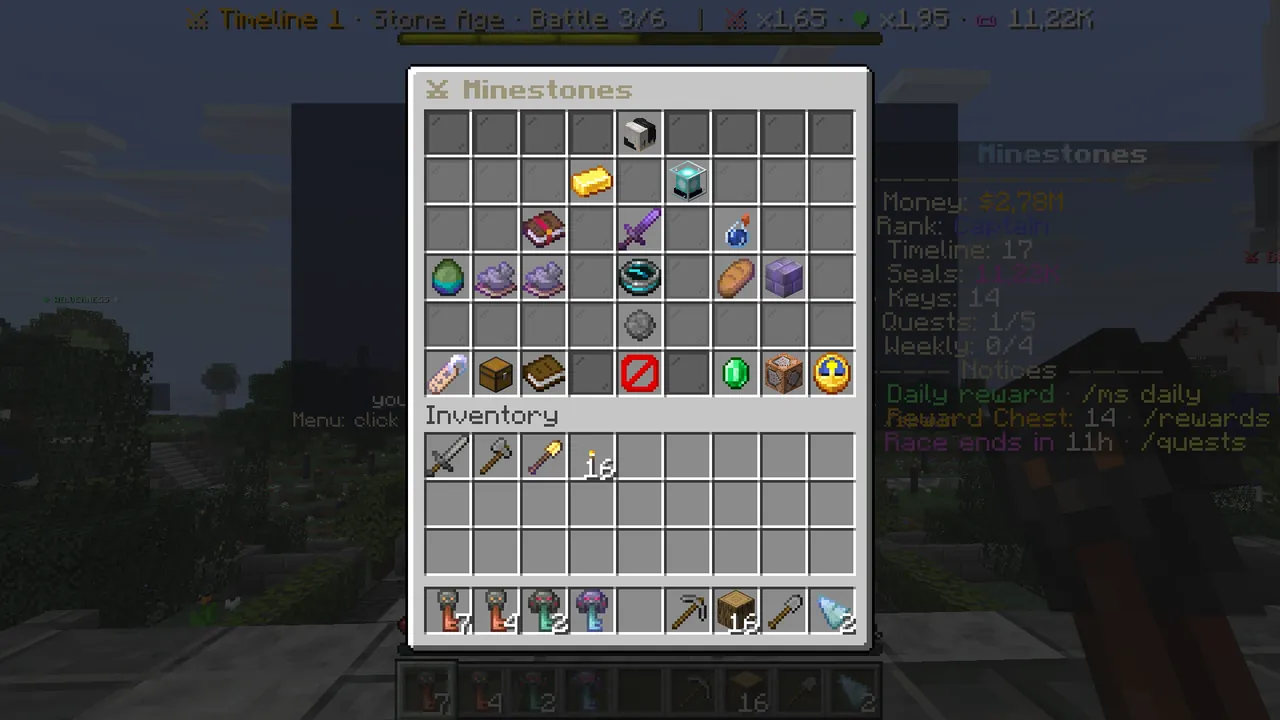
The main menu (/ms) guide: what every button does
Everything in battle mode happens in one menu. Where to upgrade, unlock units, draw cards, equip potions, evolve and claim the daily reward, step by step with screenshots.
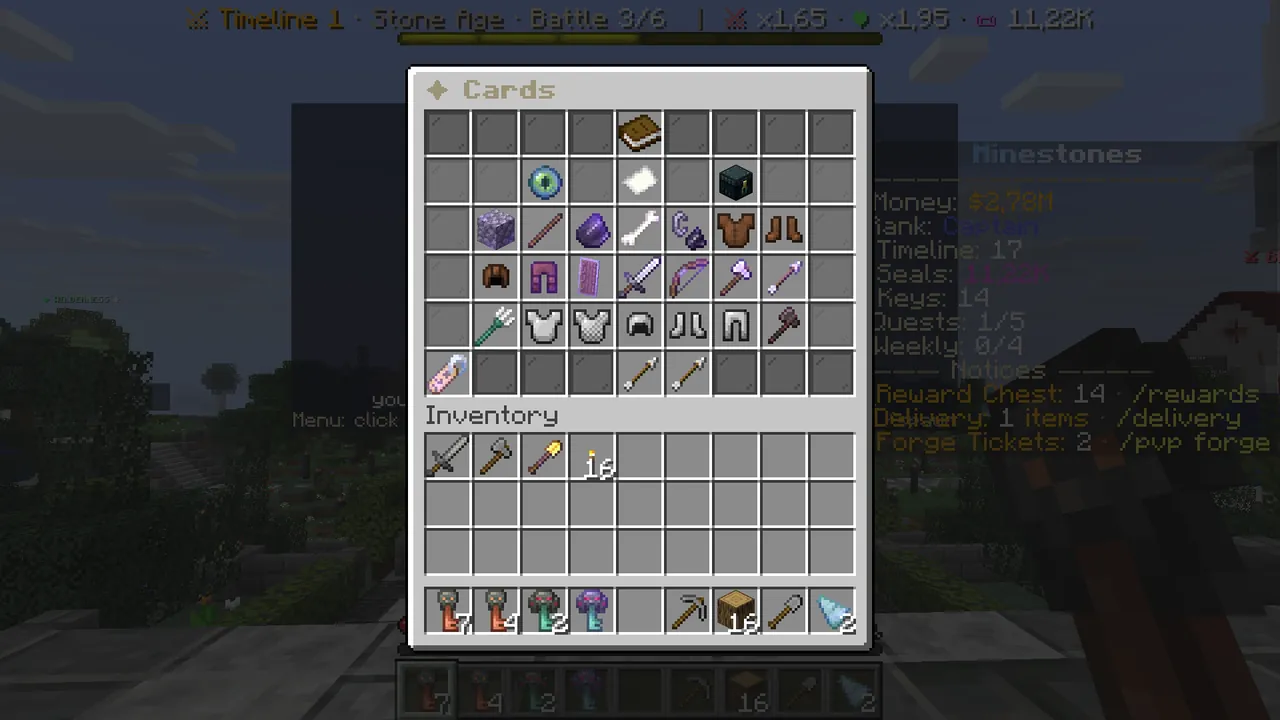
What are cards and how do you draw them? A step-by-step card guide
Cards make your units permanently stronger and survive evolving. How to draw them with Seals, how they level up and what rarity means, with screenshots.
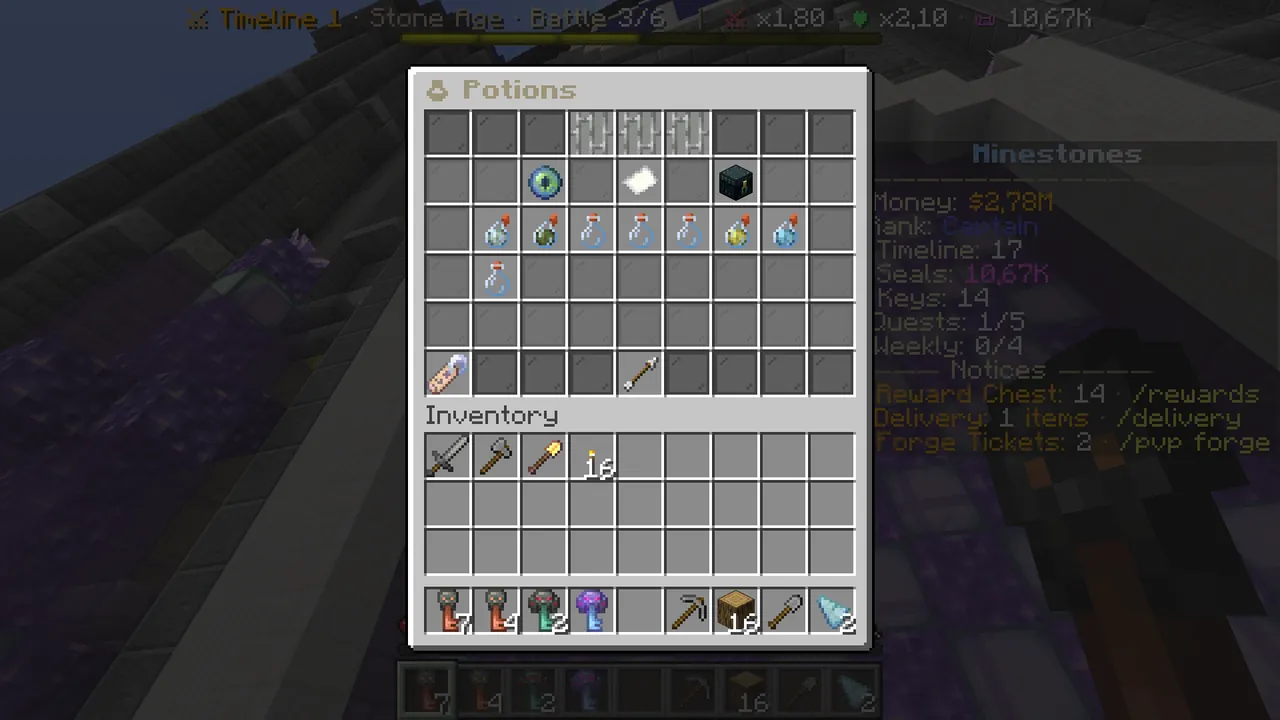
The potions guide: how to draw them, equip them and use them in battle
A potion thrown at the right moment turns a lost wave around. When the potion slots open, how to equip a potion and how to throw it in battle, step by step.
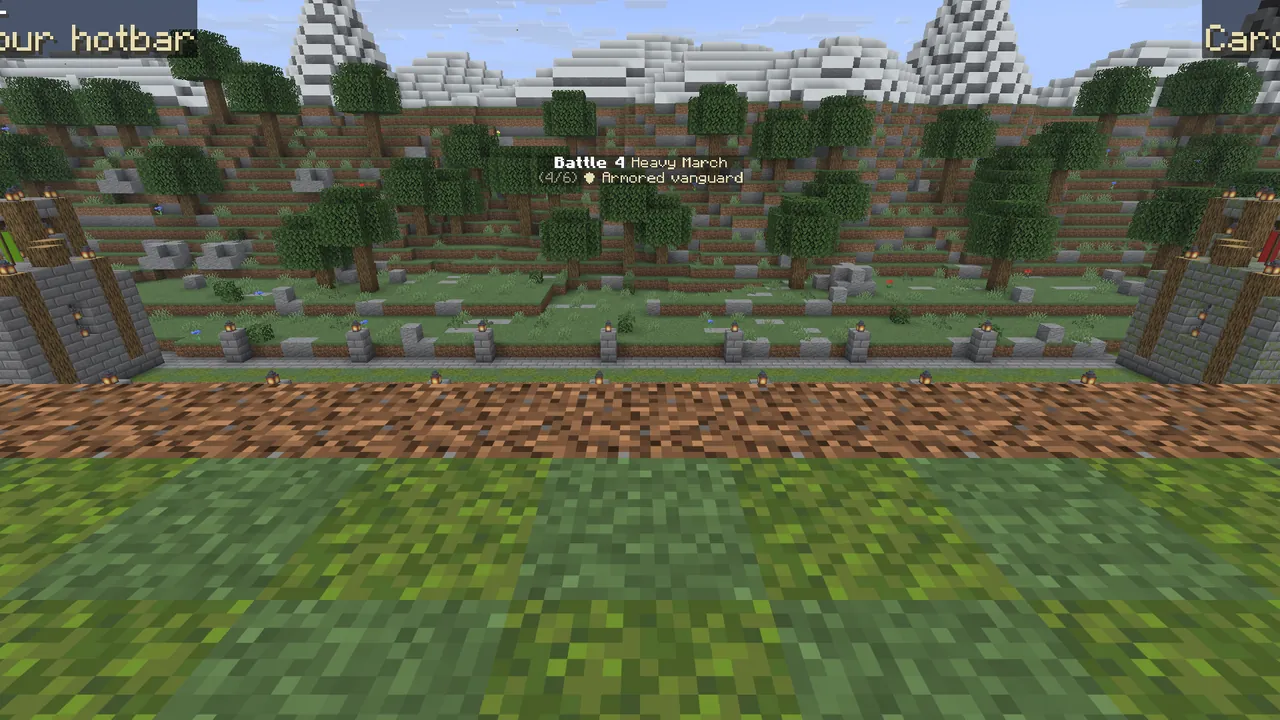
Your first battle step by step: the arena, the hotbar, food and victory
Every screen of a match, from entering battle mode to the VICTORY title. The signs, the hotbar, the food bar, sending units and the match panel, one by one.
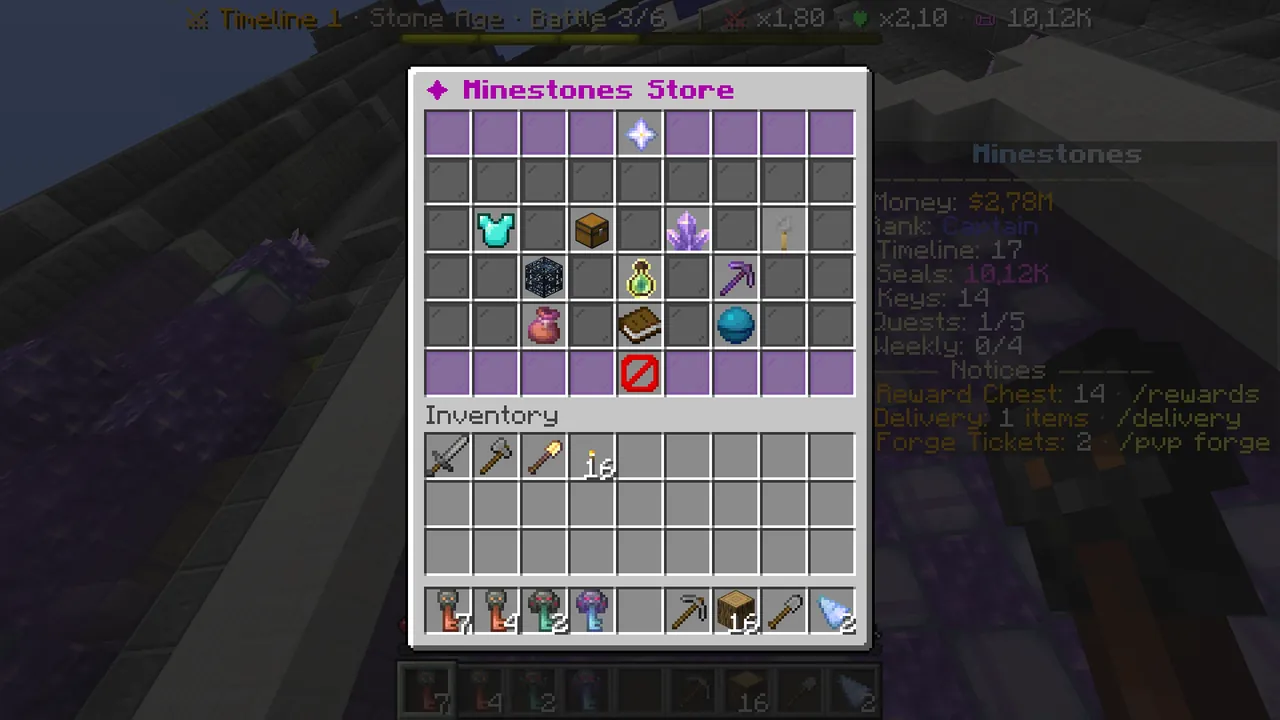
The Reward Chest and the in-game store: where does your purchase go?
Everything you buy on the website or receive as a gift waits in /rewards. The Reward Chest and the /store screen step by step, and where the VIP tiers and bundles are shown.
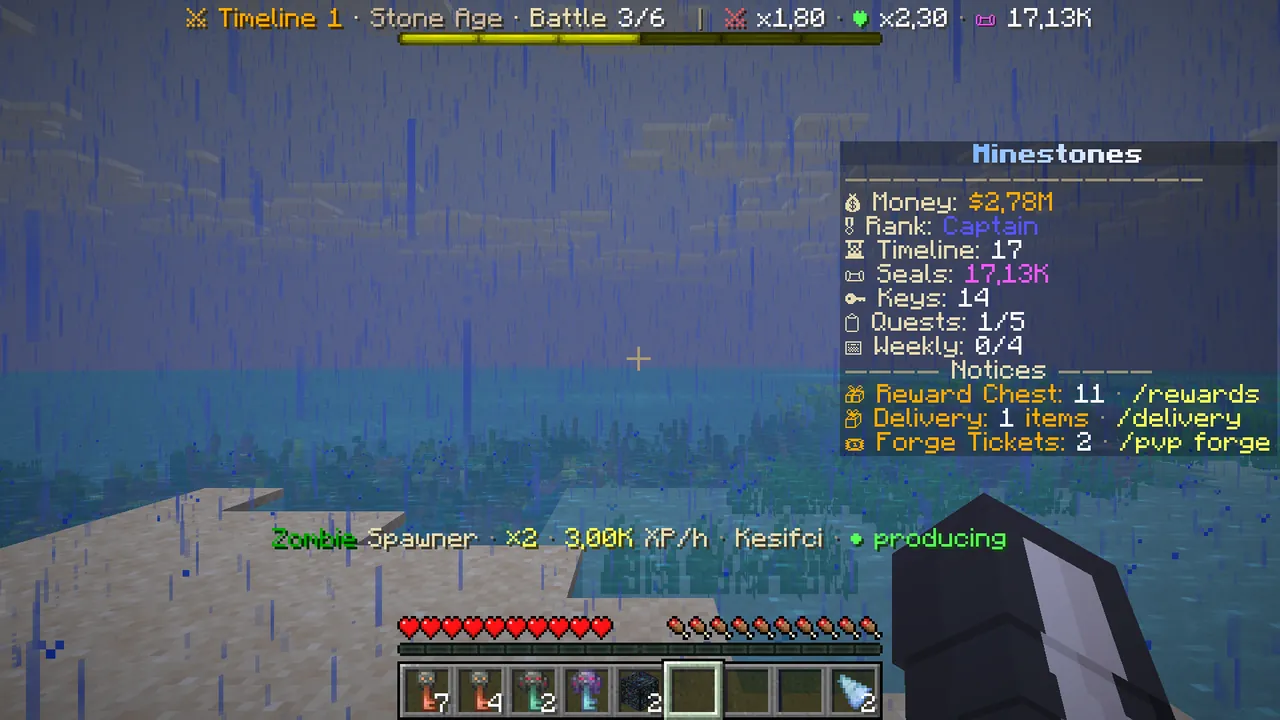
The survival economy step by step: /ekonomi, /sell, /market, /treasury, /quests and /rank
How do you earn and spend money in survival? From the economy menu to the sell chest, the War Treasury, the quests and the rank ladder, every menu with screenshots.
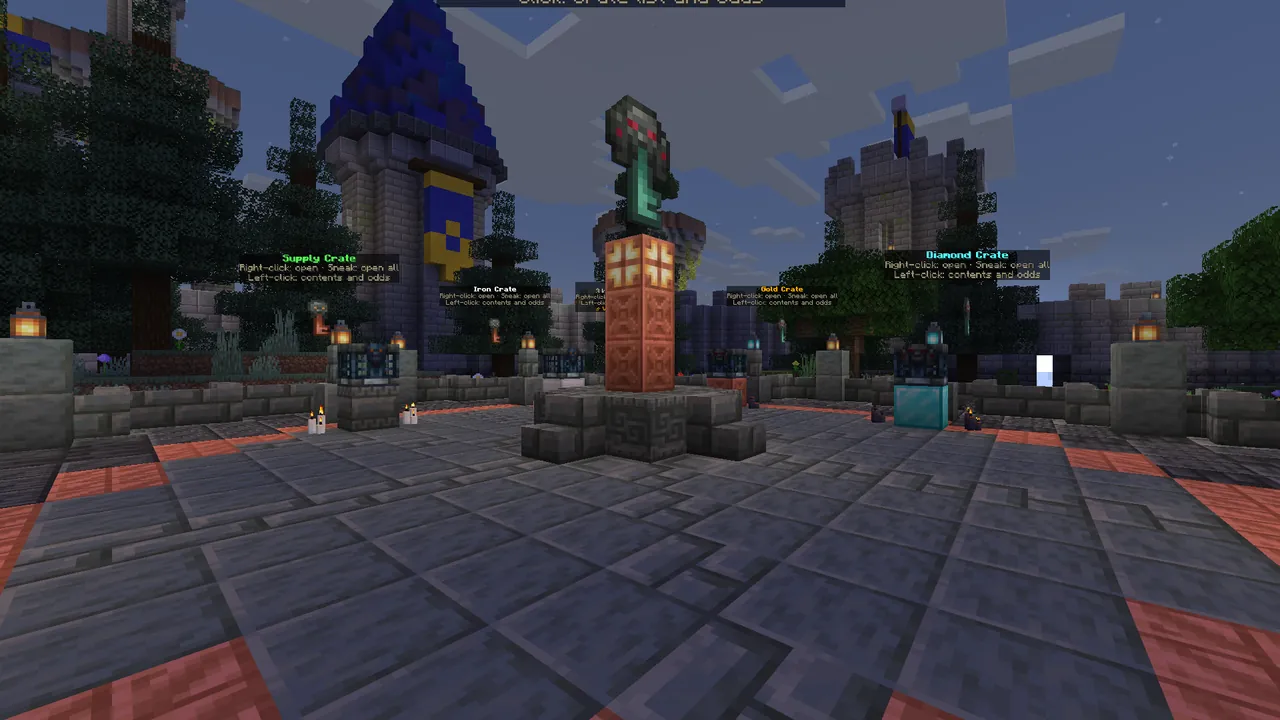
How do you open crates? Keys, /crates and the Crate Court
Five crates, five keys. Where keys come from, what is inside a crate, and how to open one from the /crates menu or at the Crate Court, with screenshots.
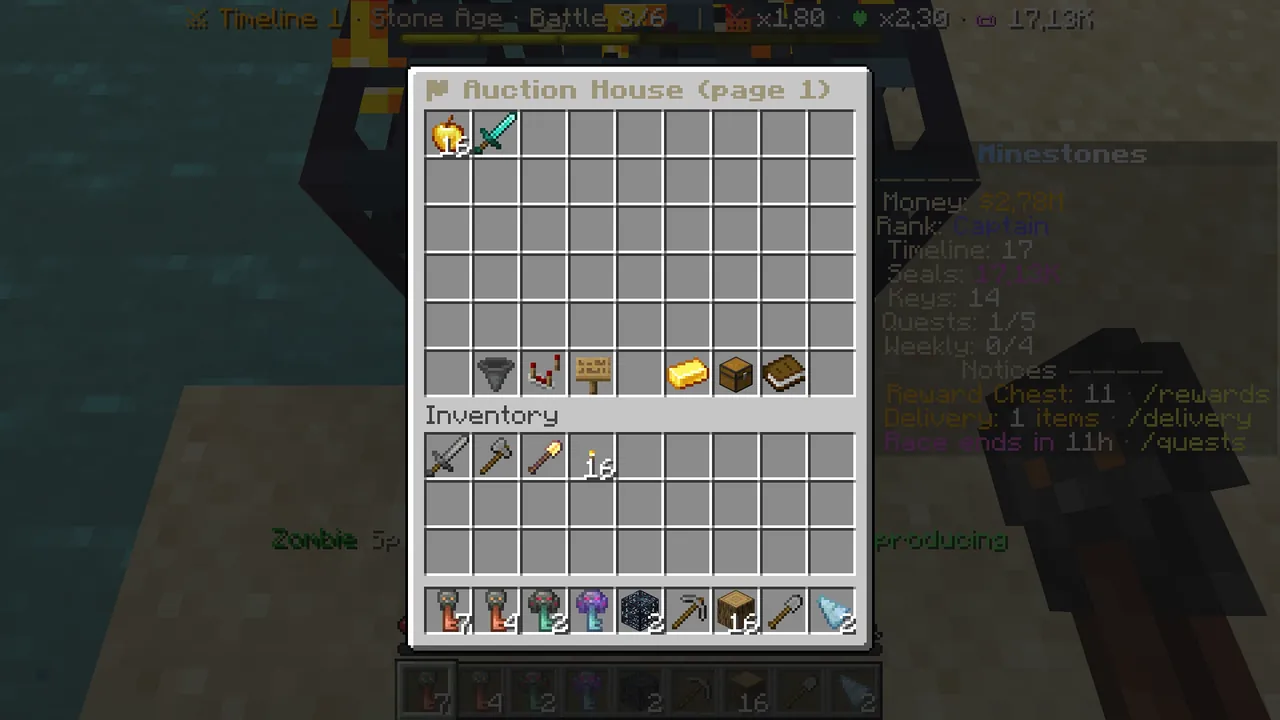
The Auction House and orders: how to trade with other players
Sell your items at your own price and buy others' with /auction; post "I will buy this" with /orders or fill other players' orders. Every screen step by step.
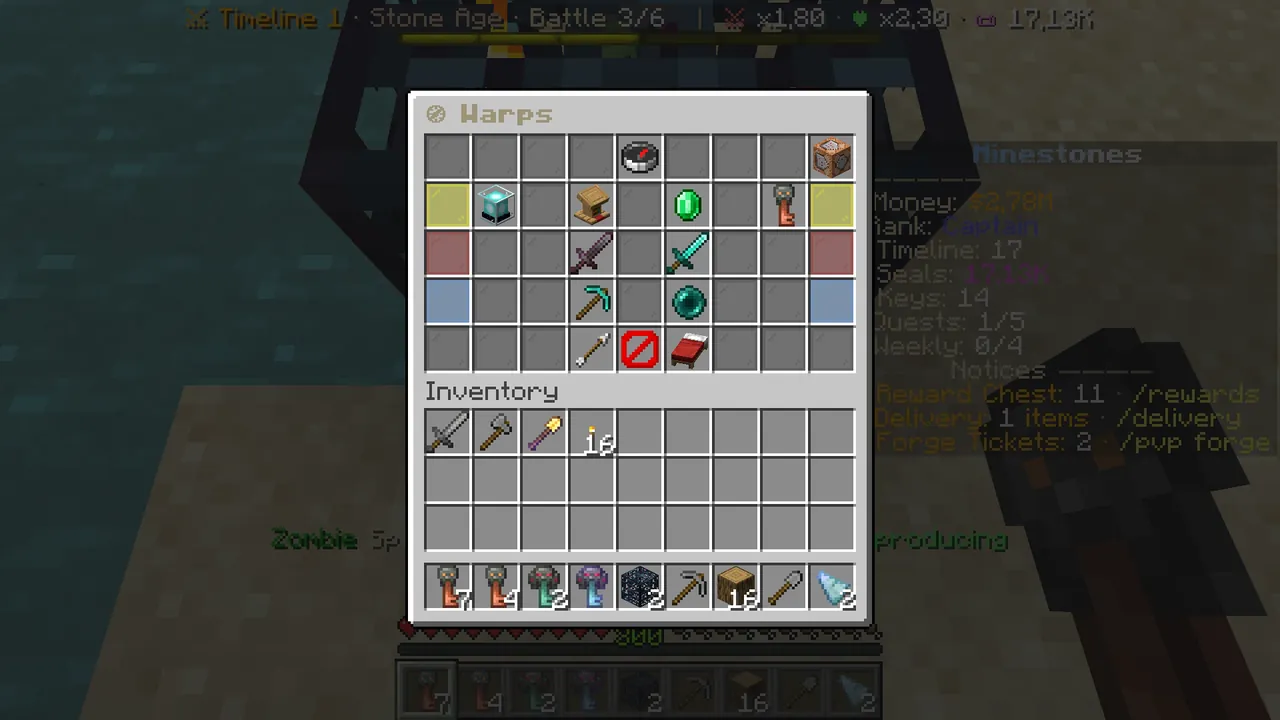
Warps, homes and claims: getting around and protecting your base
Teleport to the important places with the /warps menu, use /sethome and /wild, and open and resize your claim with the golden shovel. Step by step with screenshots.
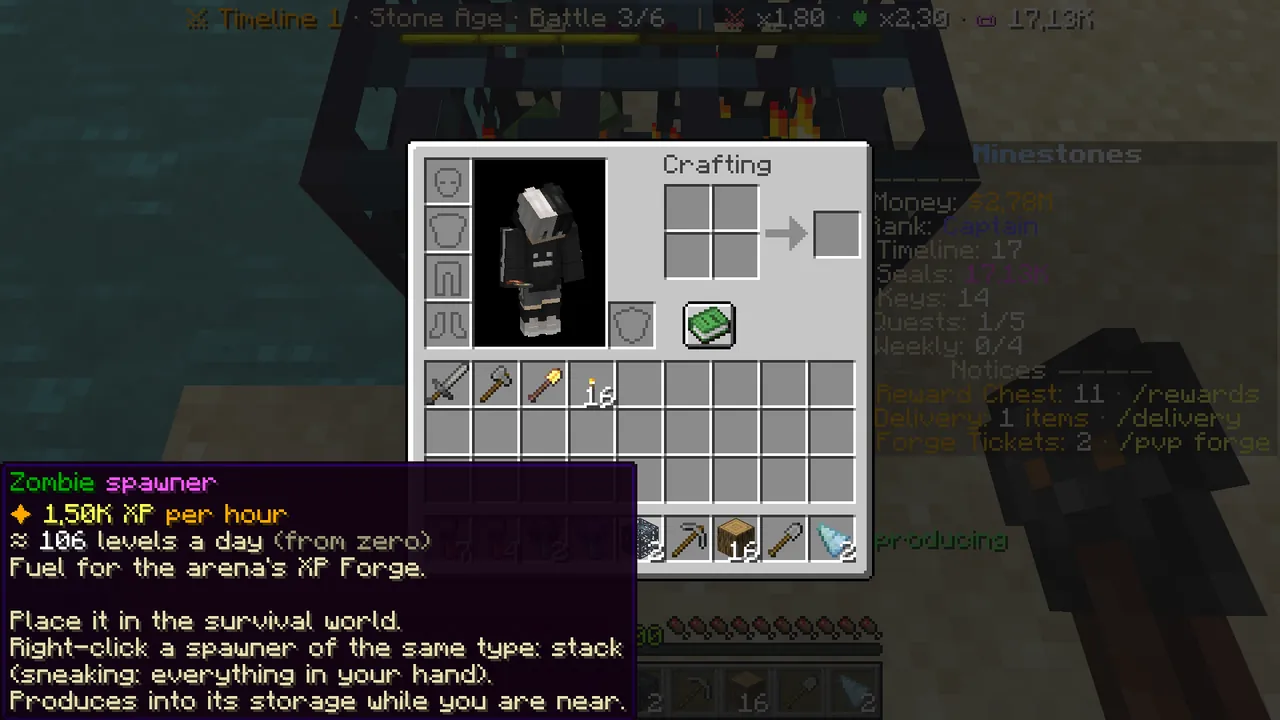
The spawner guide: placing it, emptying its storage and taking its XP
In Minestones a spawner spawns no mobs; while you are near, it produces items and XP straight into its storage. Placing, stacking, storage, selling and taking XP, step by step with screenshots.
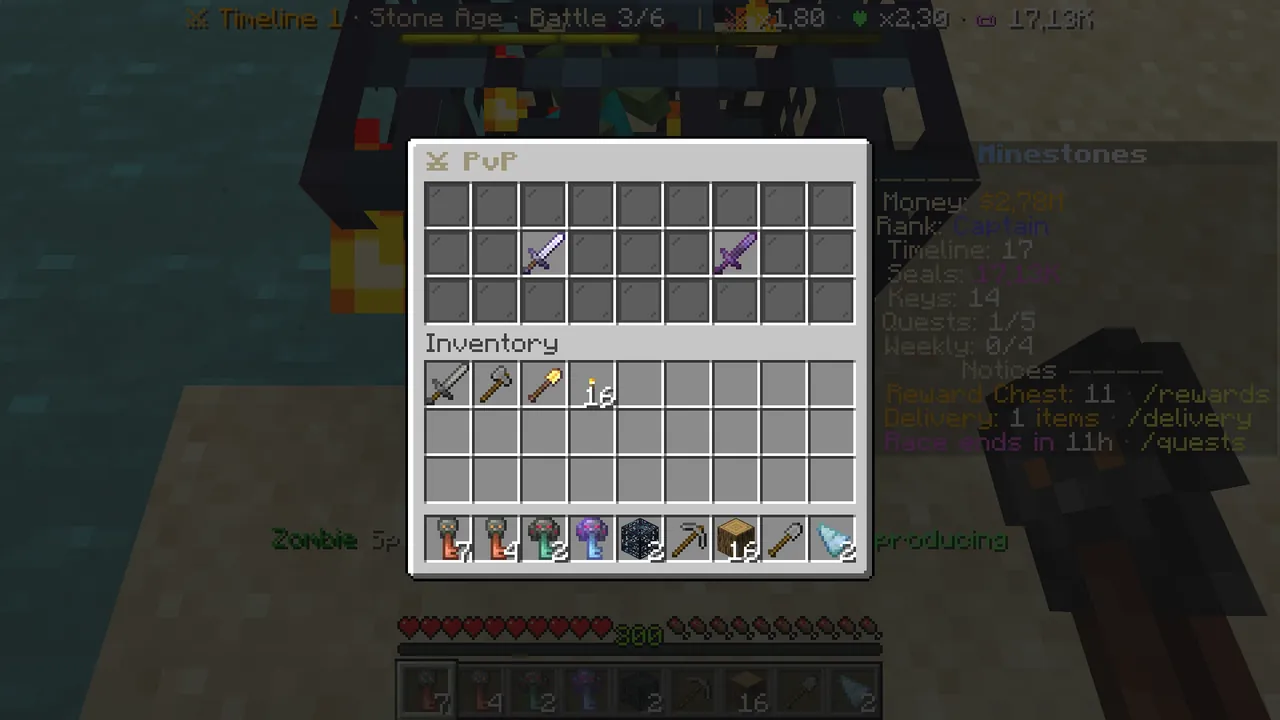
Arena PvP step by step: your character, the XP Forge, picking opponents and the league
Build your arena character with /pvp, draw items from the XP Forge, pick an opponent by power, collect Arena Stars and climb the league. Every screen with screenshots.