A Minecraft Server You Can Join with TLauncher
No premium Minecraft account? No problem. Join with TLauncher or another launcher, set your password and keep your account safe.
Minestones opens on 28 October at 20:00 (Turkey time); you can add the address now. Early access to play before the launch →
Minestones is a Minecraft Java server that accepts TLauncher and other non-premium launchers. You don't need a premium Minecraft
account: start the game with TLauncher, SKLauncher or a similar launcher, connect to play.minestones.net and set your own password on the first
join. You play in the same world as your friends who own the game.
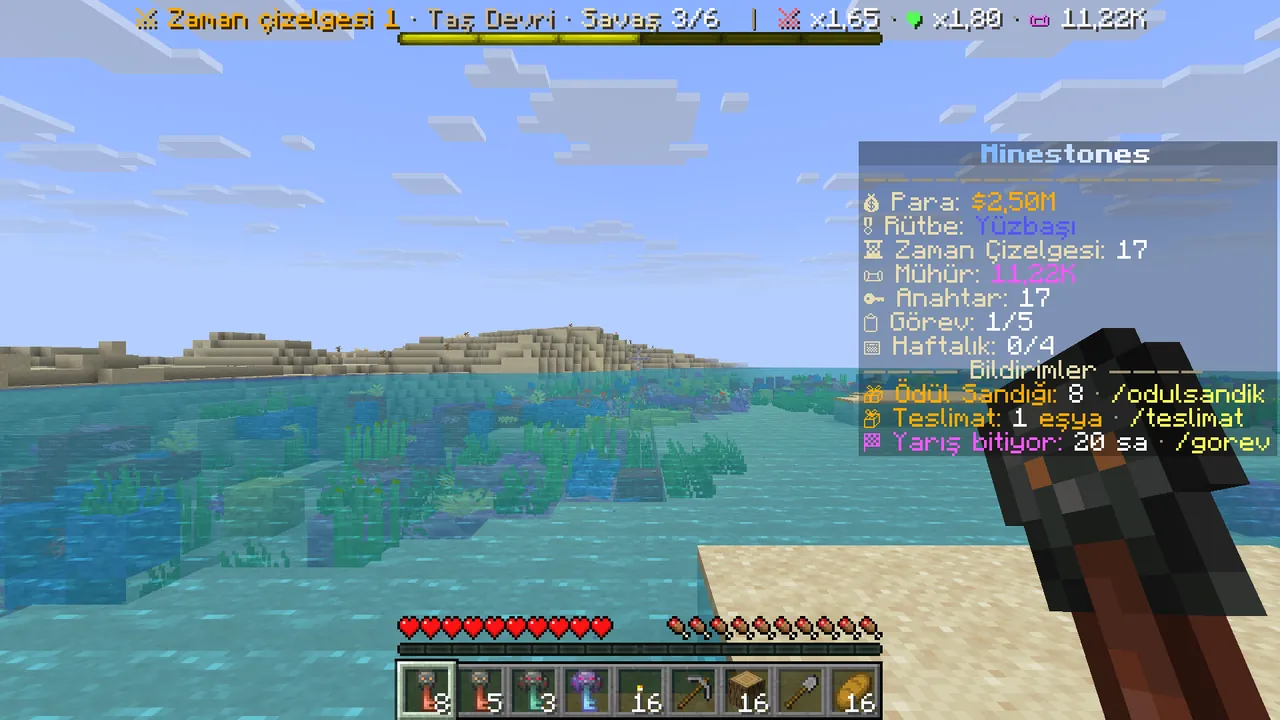 On your first visit to survival you get a starter kit and a Claim Shovel.
Joining with TLauncher, step by step
- Open TLauncher and pick Minecraft 1.20 or newer from the version list. The newest version (26.3) works too and looks best. A plain (vanilla) version causes fewer problems than a Fabric or Forge one.
- Type your username. 3–16 characters, letters, digits and underscores (
_) only. No spaces or accented letters. - Start the game, click Multiplayer → Add Server, type
play.minestones.netas the Server Address and press Done. - Select the server and click Join Server. You land in the lobby's glass Login Hall.
- On your first join, type
/register <password> <password>in chat (the same password twice). - After that,
/login <password>is all you need. Come back with the same name, connection and game within 4 hours and it won't ask. - Once logged in, take the compass or the gate to MS Survival. Type
/language ento play in English.
Keeping your account safe on a non-premium server
The big risk on non-premium servers is someone else joining with your name. On Minestones your name is protected by the password of whoever registered it first:
- Pick a strong password. At least 8 characters; it may not contain your name, and the most common passwords are refused. Don't reuse a password from another site.
- Turn on two-factor authentication.
/2fa setup <password>links your account to an authenticator app on your phone; a stolen password is useless without the code. - Spell your name the same way every time. Case matters: if you registered as
Ali_123you can't join asali_123, and no one else can take another spelling of your name either. - Change your password with
/changepassword <old> <new> <new>. Staff will never ask for your password. - Passwords are stored with Argon2id, never as plain text, and many wrong attempts lock the account and the IP for a while.
Common TLauncher problems
- "Outdated client" / "Outdated server": you picked a version older than 1.20. Choose 1.20 or newer in TLauncher.
- "Connection timed out": check the address (
play.minestones.net), your internet and firewall, and try a plain version instead of a modded one. - "Invalid username": remove spaces and accented letters, keep it to 16 characters.
- Forgot your password: open a support ticket on Discord; staff help once they can confirm the account is yours.
More help: How do I join? and the FAQ.
What's there to play?
A survival economy, Arena and Classic PvP and a lane battle through the ages in your own arena. Players on TLauncher get every mode, the store and the vote rewards exactly like premium players. The full overview: Turkish Minecraft server.
FAQ
Can I join Minestones with TLauncher?
Yes. Use TLauncher, SKLauncher or a similar launcher with Java Edition 1.20 or newer and connect to play.minestones.net.
Do I play with premium players? Yes. Everyone shares the same lobby, the same survival world and the same leaderboards.
What password should I choose?
At least 8 characters, without your name, and one you don't use anywhere else. Turn on two-factor authentication with /2fa setup <password> for extra safety.
Will my TLauncher skin show on the server? The launcher's skin system runs on its own servers; how others see you depends on the launcher you use and its settings.
Can my friend on Bedrock join without a Java launcher? No, Minestones is Java Edition only. Your friend needs a Java launcher on a computer.
Last updated: 18 October 2026