How to Join a Server with TLauncher: Step-by-Step Guide (2026)
How to join a server with TLauncher: pick the right version, add the server, register and log in, and fix the most common errors, step by step.
Joining a server with TLauncher is easier than it looks: pick the right version, add the server address, and set a password on
your first join. This guide walks through every step; we use Minestones (play.minestones.net) as the example, but the steps are the
same on most cracked servers.
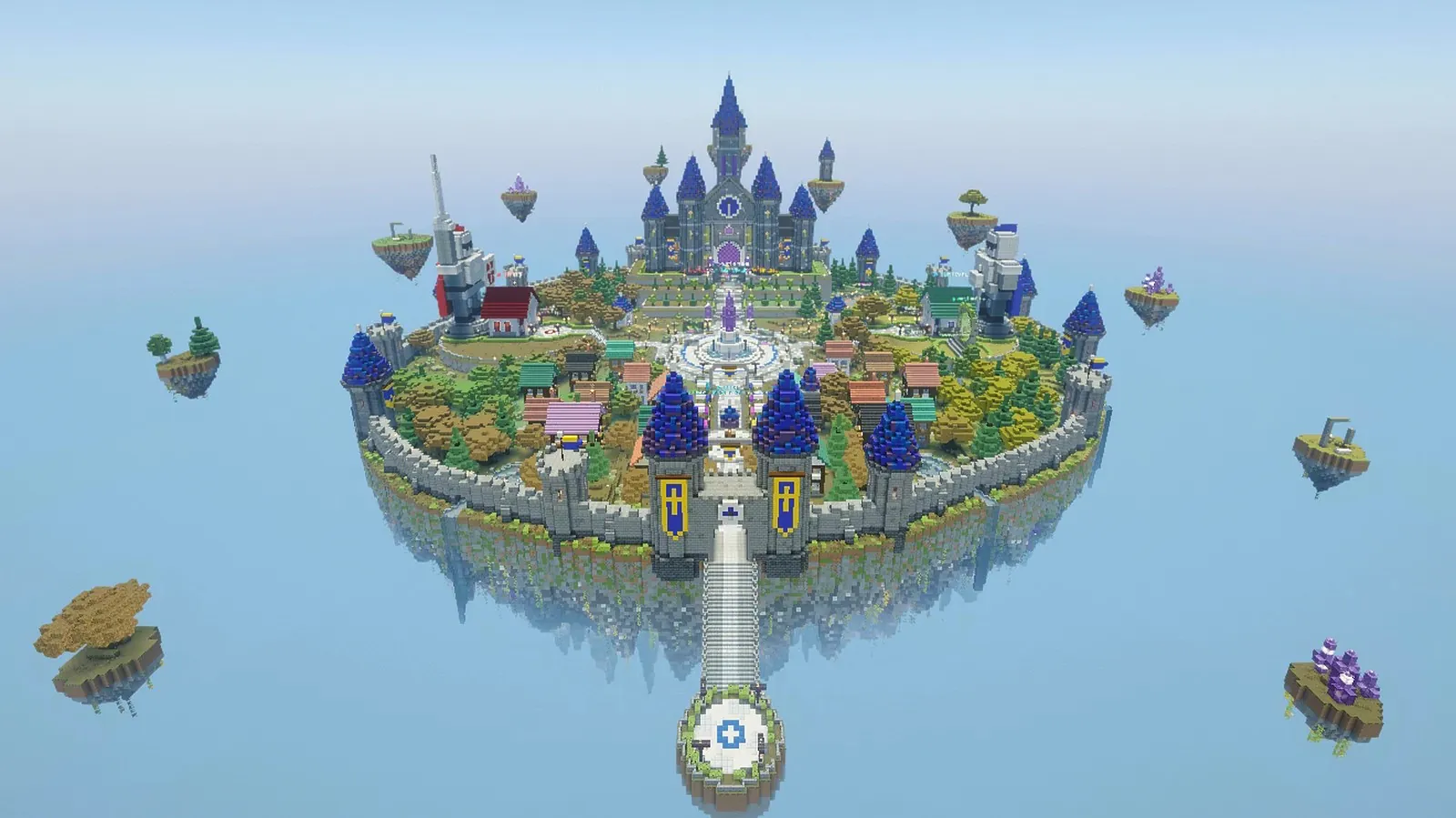 Where you end up once every step is done: the Minestones spawn island.
Before you start: check two things
- Does the server accept TLauncher? Some servers only allow original (premium) accounts and reject TLauncher with "Failed to verify username". Minestones accepts cracked accounts, so TLauncher, SKLauncher and similar launchers work.
- Which versions does it accept? The server's website or listing says. Minestones accepts Java Edition 1.20 and newer.
How to join a server with TLauncher in 5 steps
Step 1: Pick the right version
Open TLauncher. In the version list at the bottom, choose a version the server accepts. The rule is simple: if the server says "1.20 and newer", any version from 1.20 up works, but the newest is usually the least trouble. Minestones also takes the newest version (26.3), so the newest version in the list is the best choice; an older one (for example 1.21.x) also connects, though some newer visuals may look different.
OptiFine, Fabric or Forge versions are fine too, as long as the Minecraft version underneath is 1.20 or newer. On first launch TLauncher downloads the game files; let it finish.
Step 2: Choose your username
Type the name you'll play with in the name field. On cracked servers your account is created under this name, so always use the same name.
- 3–16 characters: English letters, digits and underscore (
_) only. No spaces or accented letters. - Capitalisation matters: if you registered as
Kartal_42and later typekartal_42, the server will tell you the name is registered asKartal_42. - On Minestones, names that look too much like staff names are refused.
Step 3: Add the server in TLauncher
Start the game and click Multiplayer on the main menu. The first time, a warning about third-party servers appears; click Proceed.
- Click Add Server.
- Type any Server Name, for example "Minestones".
- Type
play.minestones.netas the Server Address. Nohttp://in front and no trailing space. - Click Done. The server appears in the list; its description and ping bars load within a few seconds.
- Select it and click Join Server (or double-click it).
If you just want to try once without saving it, Direct Connection does the same. If the server shows a red cross in the list, don't try to join yet; check the address first, then click Refresh.
Step 4: Register or log in
On cracked servers your account is protected by the server's own login system, not by Mojang. On Minestones you first land in a
glass hall in the lobby; until you log in you can't move and nobody can see you. Open chat with T:
- First time: type
/register <password> <password>, the same password twice. At least 8 characters, no spaces, and it must not contain your name. - After that:
/login <password>is enough.
Clicking the lines in chat puts the command in your input box for you. You have 150 seconds to register or log in; if time runs out the server kicks you politely, just reconnect. If you come back from the same connection with the same client within 4 hours, no password is asked.
Choosing a password, two-step verification and changing your password are covered on How do I connect?.
Step 5: Go from the lobby to the game
After logging in you drop into the lobby square. Right-click the compass in your hotbar and pick MS Survival, or walk through
the gate to the north. You spawn on the spawn island: the red zone leads to battle mode, the blue zone to the survival world. Type
/ms for the main menu and /guide for help.
Getting in faster next time
- Select the server in the list and use the up arrow to move it to the top; it's the first thing you see every time.
- Use the same version and the same launcher every time. Coming back from the same connection within 4 hours skips the password;
if the version or launcher changes, you'll need to type
/loginagain. - In game, type
/lobbyto go back to the lobby and/dil tror/dil ento switch language.
Common TLauncher errors
"Failed to verify username": the server you're joining requires an original account. This error doesn't happen on Minestones; if you see it, you probably mistyped the address.
"Outdated client" / "Incompatible client": the version you picked is outside the server's range. Choose a newer version in TLauncher.
"Unknown host" / "Connection timed out": the address is mistyped or something on your network is blocking the connection. Retype
play.minestones.net, restart your router and turn off any VPN.
"Your name must be 3–16 characters…": your name has a space, an accented letter or a symbol that isn't allowed. Fix the name in TLauncher.
"Time to log in ran out": you didn't type /register or /login within 150 seconds. Reconnect and type it straight away.
Kicked once on your first connection: the server's bot protection runs a short check the first time you connect. On new versions you won't notice it; on an older version you may be disconnected once with a "reconnect" message. Just reconnect.
Picking TLauncher servers
Most cracked servers use the same login idea, but their security differs. Never reuse your password on another server, and turn on two-step verification where it's offered. We cover what to look for in a server in Turkish Minecraft servers: how to choose. The Minestones summary for TLauncher players is on the TLauncher server page.
FAQ
Which version should I pick in TLauncher? The newest one in the server's range. For Minestones anything 1.20 and up works; visuals are best on the newest version.
I have an original account. Do I still need to register?
On Minestones, yes. Everyone sets a password with /register on their first join, and that password protects the account.
I forgot my password. What now? Don't try to make a new account; open a support ticket on Discord. Staff will never ask for your password.
Why does the server show in the list but the ping bars never load? Wait a few seconds and click Refresh. If they still don't load, check the address or see the FAQ page.
Ready? Open TLauncher, pick the newest version and add play.minestones.net. See you in the lobby!