Your first battle step by step: the arena, the hotbar, food and victory
Every screen of a match, from entering battle mode to the VICTORY title. The signs, the hotbar, the food bar, sending units and the match panel, one by one.
Battles in Minestones happen on one lane: your castle on the left, the enemy's on the right. You send units, they meet on the lane, and whoever breaks the enemy castle first wins. In this post we play one match from start to finish, screen by screen.
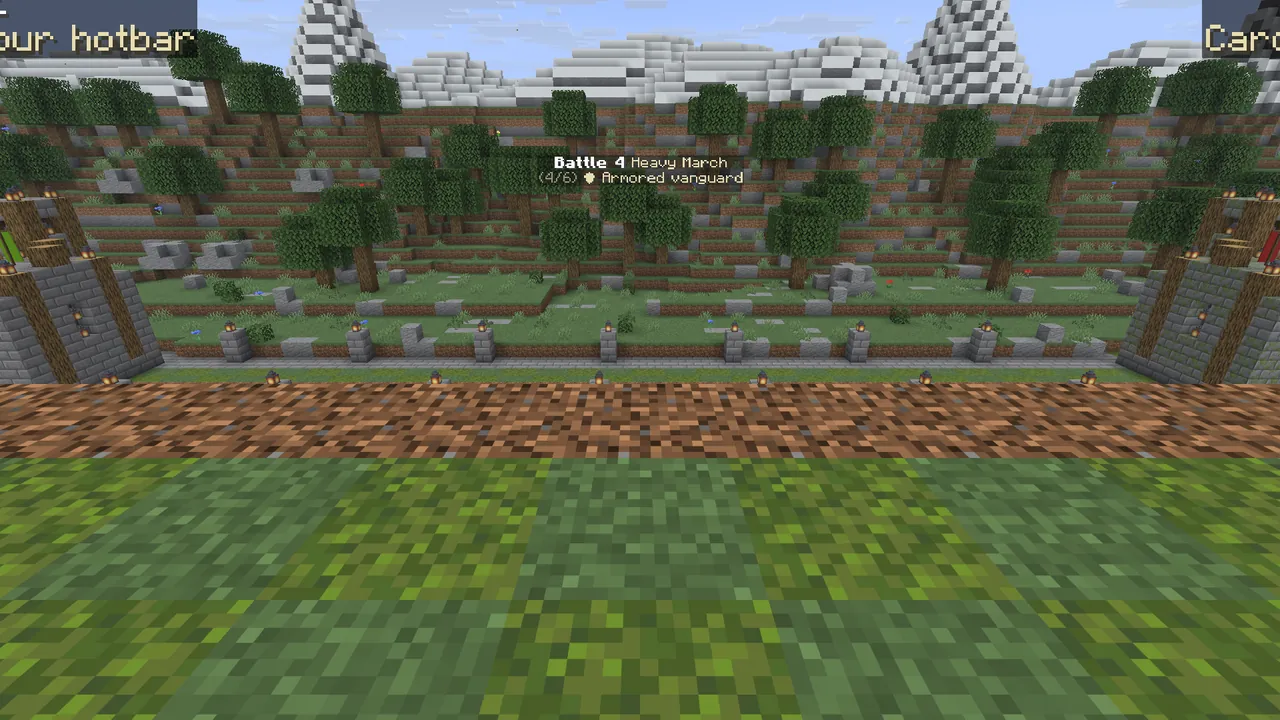 Your own battle arena: the lane in the middle, the castles at each end, the match panel on the right.
Step 1: go to your battle arena
On the spawn island, walk through the red zone on the right, or type /ms lobby. You arrive in your own age's arena. Your
inventory, armour, XP and position are saved as you enter; you get all of it back when you leave, nothing is lost.
Step 2: get to know the signs and the hotbar
Facing the lane, two signs stand in front of you:
- Left, "⚔ START BATTLE": click it to start the next battle.
- Right, "☰ MENU": opens the main menu (cards, upgrades, evolving).
- Behind you, "⬅ BACK TO SPAWN": leaves battle mode and gives your items back.
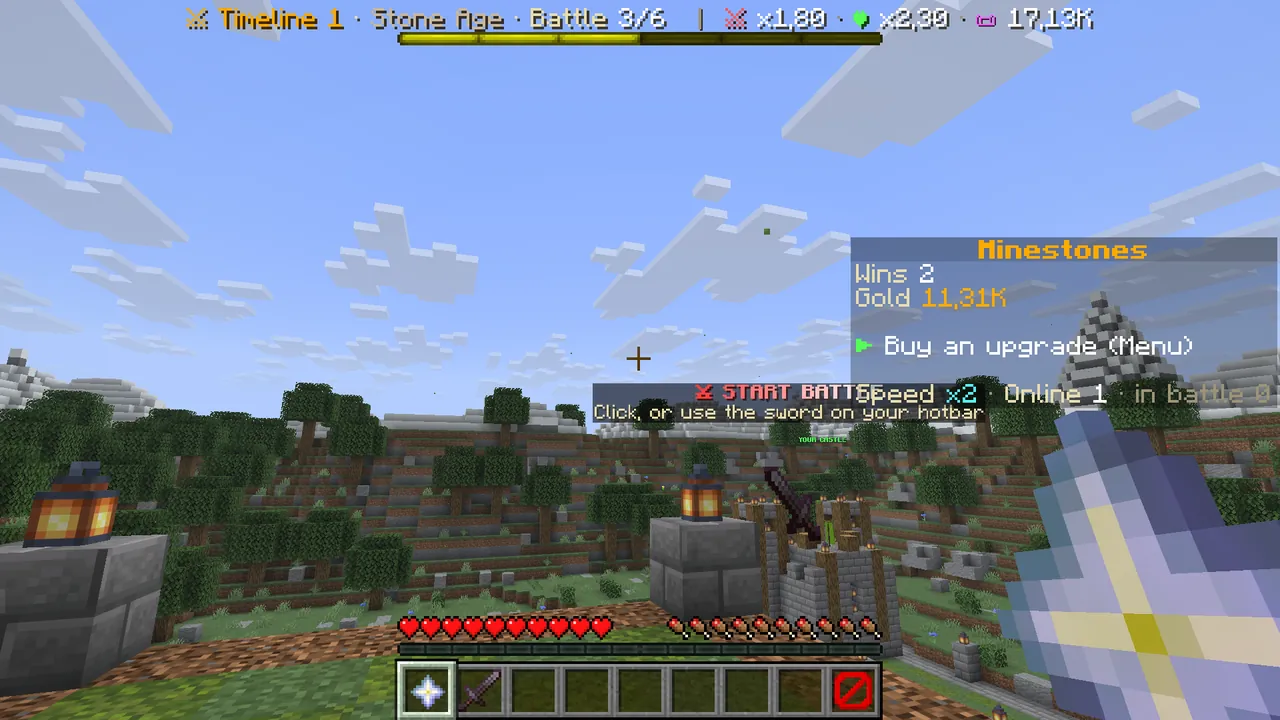 The left sign: start the battle.
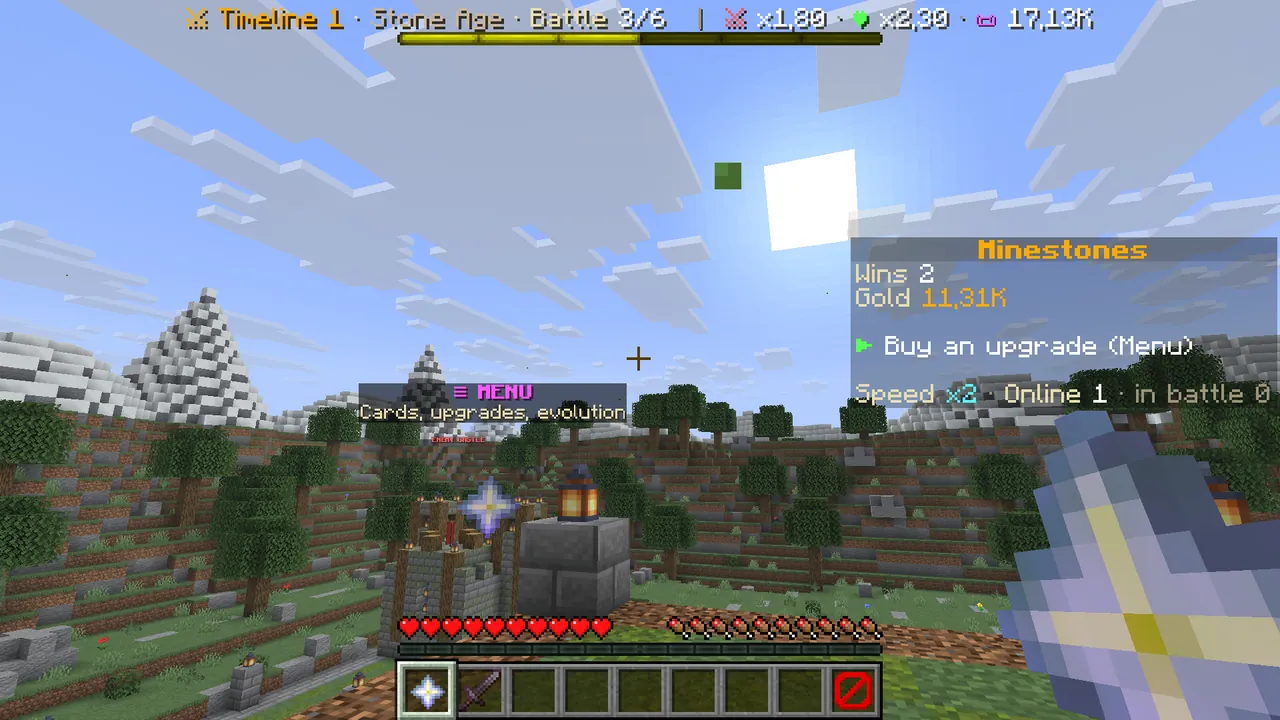 The right sign: the main menu.
Between battles your hotbar has three items, all used with right click:
| Slot | Item | What it does |
|---|---|---|
| 1 | Nether star, "Menu" | Opens the main menu |
| 2 | Sword, "Enter battle" | Starts the next battle |
| 9 | Barrier, "Back to spawn" | Right-click twice within 5 seconds to leave battle mode |
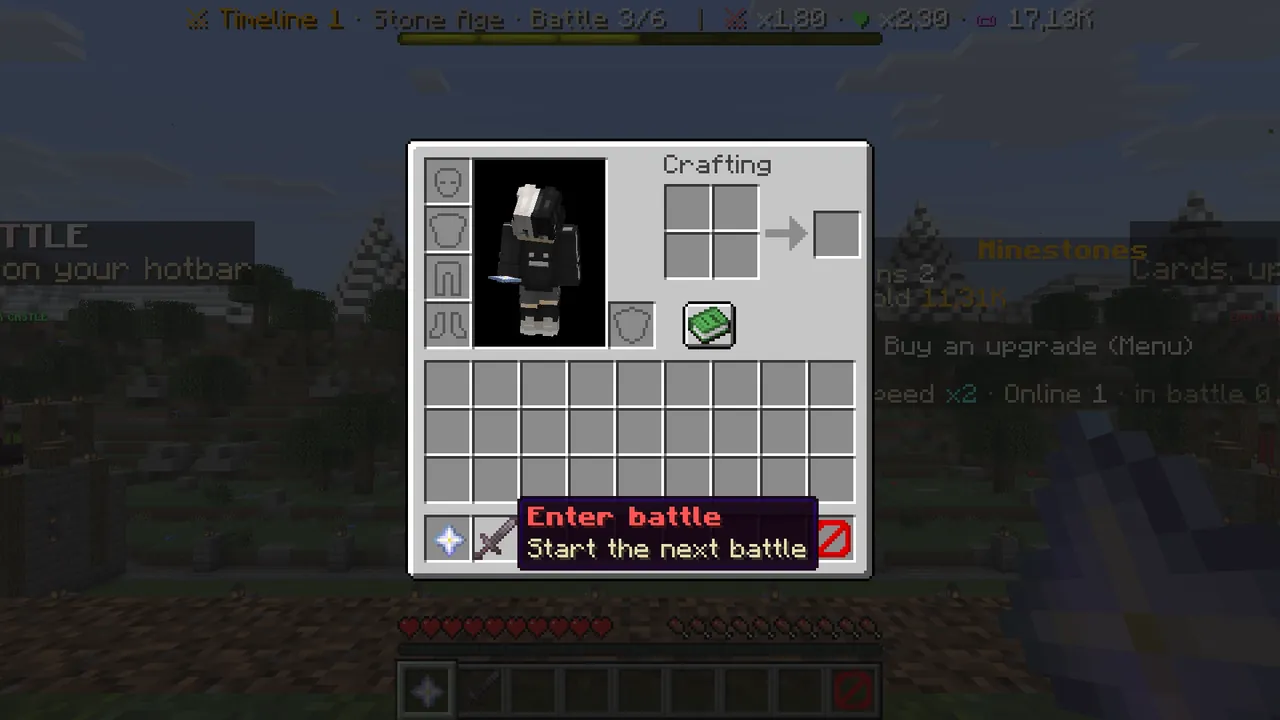 Hotbar slot 2: starts the next battle.
Step 3: check the menu before fighting
Before you fight, open the main menu with /ms and:
- Upgrade "🏰 Castle health". Without upgrades your castle falls to the first hit.
- With gold left over, buy "🍖 Food rate".
- Hover the battle button: see the special rule (fog, rain, famine…) and the enemy's power.
Details: The main menu guide.
Step 4: start the battle
Click the left sign or the sword in your hotbar. A countdown starts and two bars appear at the top: green "Your castle" and red "Enemy castle". You cannot send units until the countdown ends.
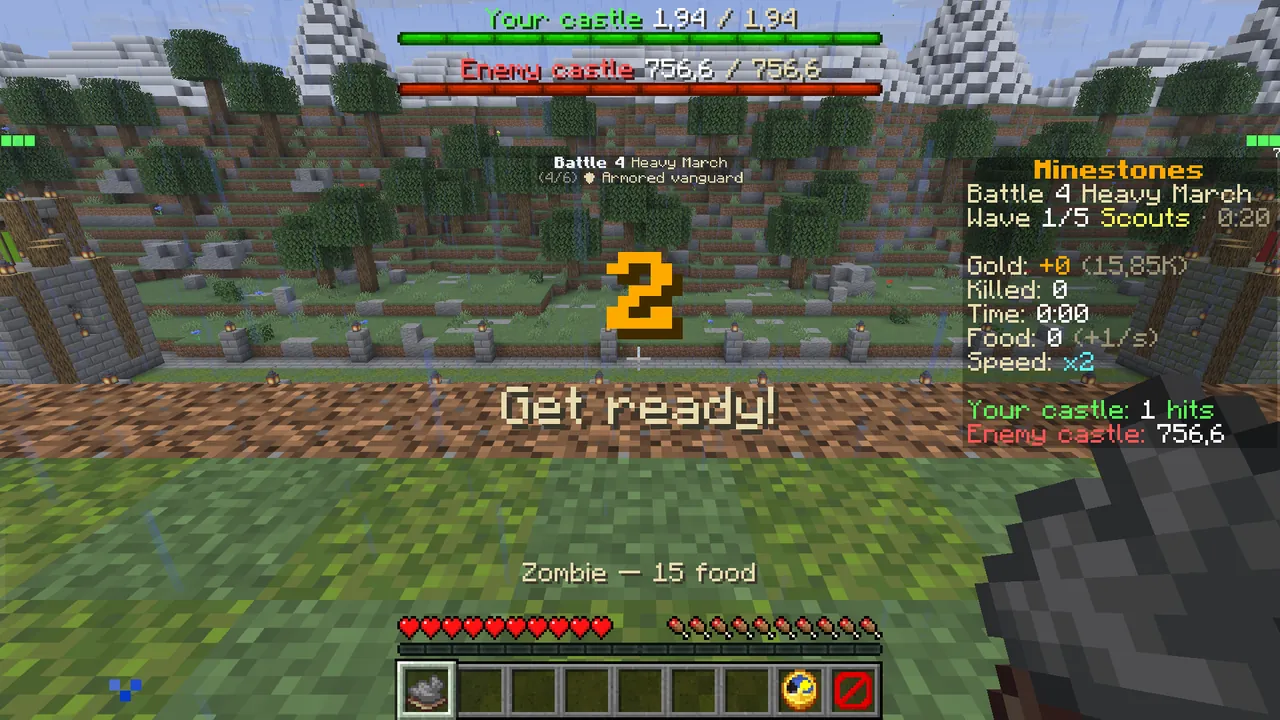 The countdown: both castles' health at the top, the match panel on the right.
Step 5: read your food, send units
In a match your hotbar changes:
- Slots 1–3: your units. Each name shows its cost, e.g. "Zombie — 15 food". Right-click and the unit sets off.
- Slots 5–7: your equipped potions. Each once per battle.
- Slot 8, the clock: match speed. Right-click to change it.
- Slot 9, the barrier: surrender. Right-click twice within 5 seconds.
The XP bar is your food. The number above the bar is how much food you have, and it grows by itself over time. Without enough food a unit slot turns grey and the screen says "Not enough food".
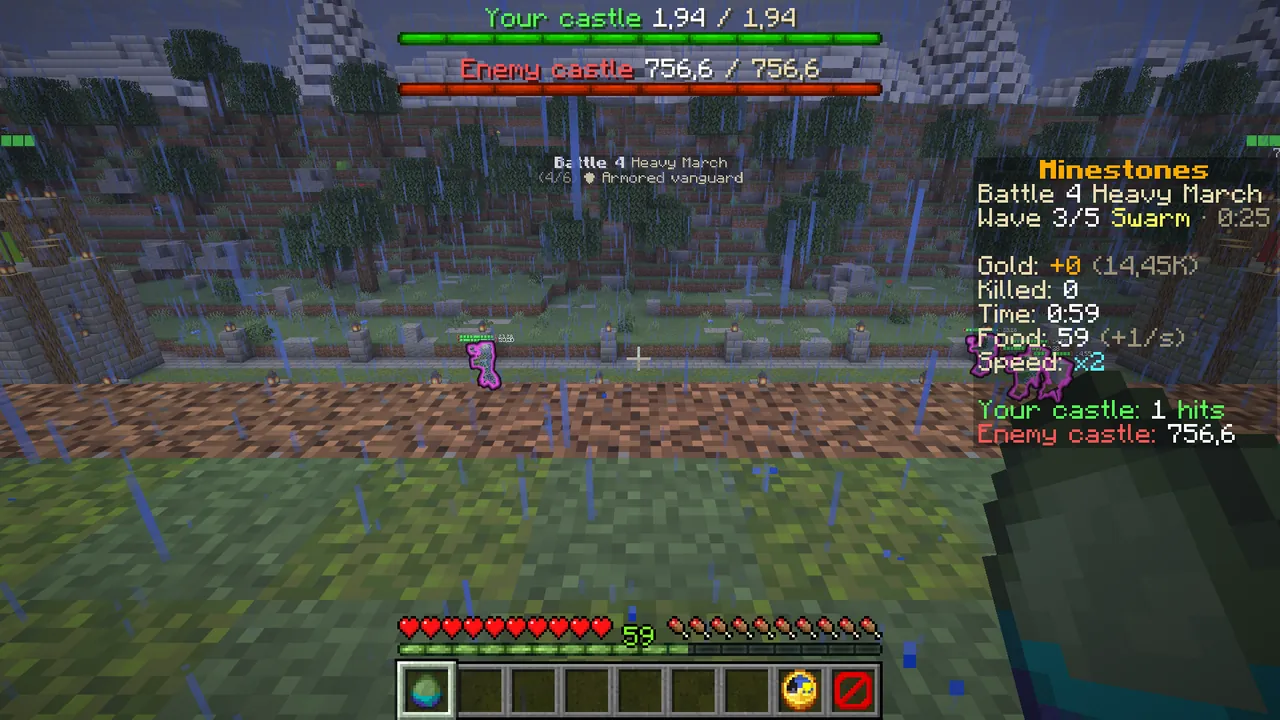 Food builds up in the XP bar, as the tip on screen says.
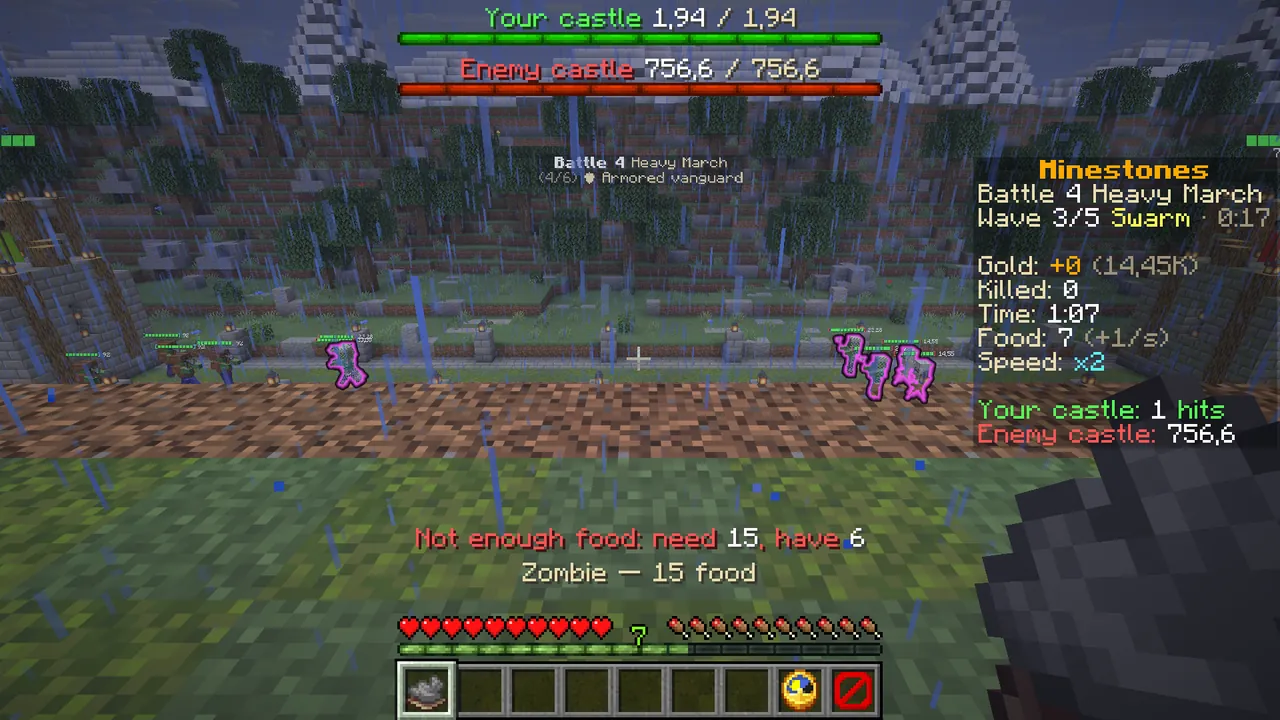 Not enough food: wait a moment, then send.
Step 6: follow the match panel
The panel on the right sums up the match:
- Wave x/5: which wave the enemy is on and the time left.
- Gold: the gold you earned this match.
- Killed, Time, Food (and how fast it grows).
- Your castle: how many hits your castle takes. Enemy castle: the enemy castle's health.
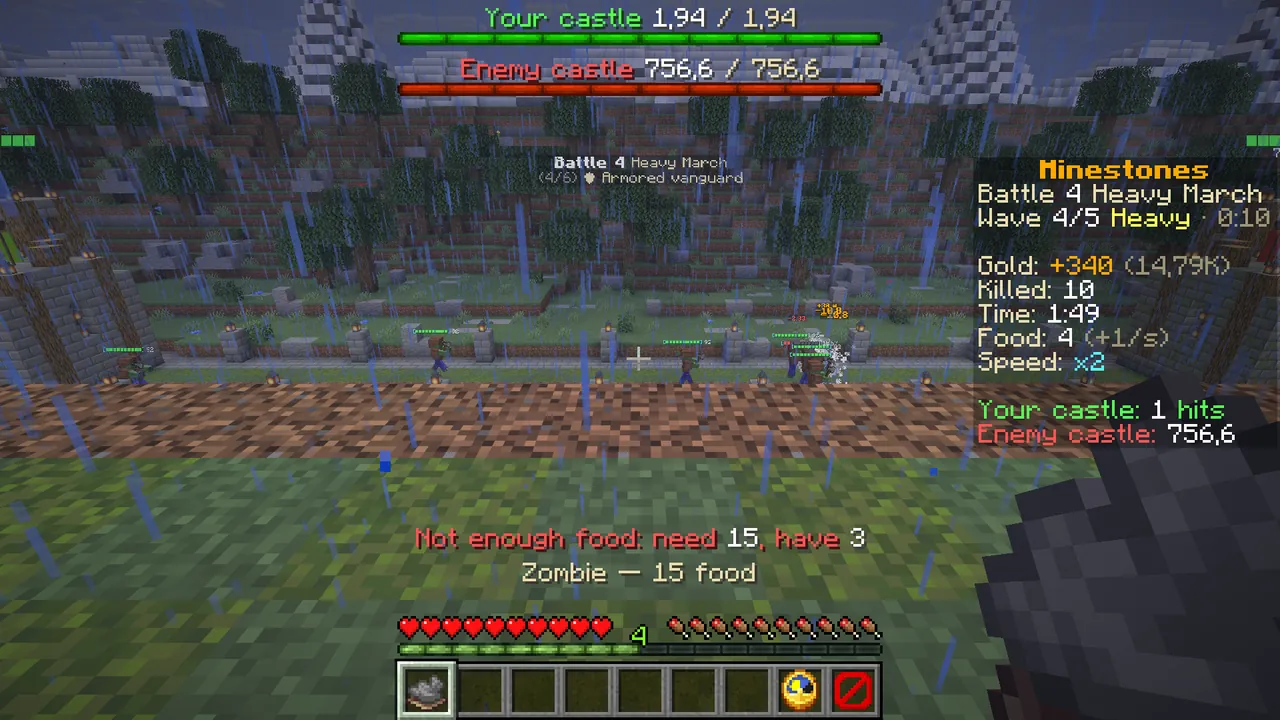 Your units meet the enemy's on the lane.
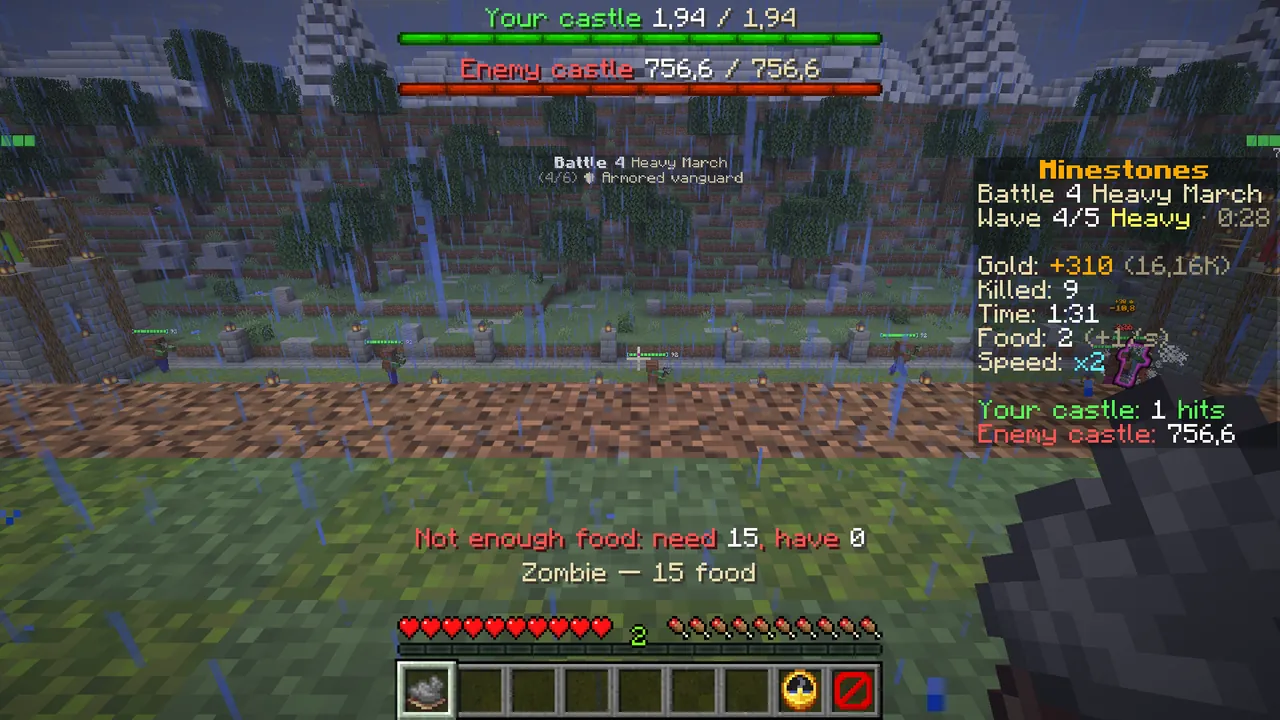 Gold grows with every kill; send new units as your food fills up.
Step 7: break the castle
When your units reach the enemy castle they start hitting it. When it falls, "VICTORY" fills the screen. Chat shows the summary: gold earned, Seals, a crate key for battles won for the first time, and your next battle.
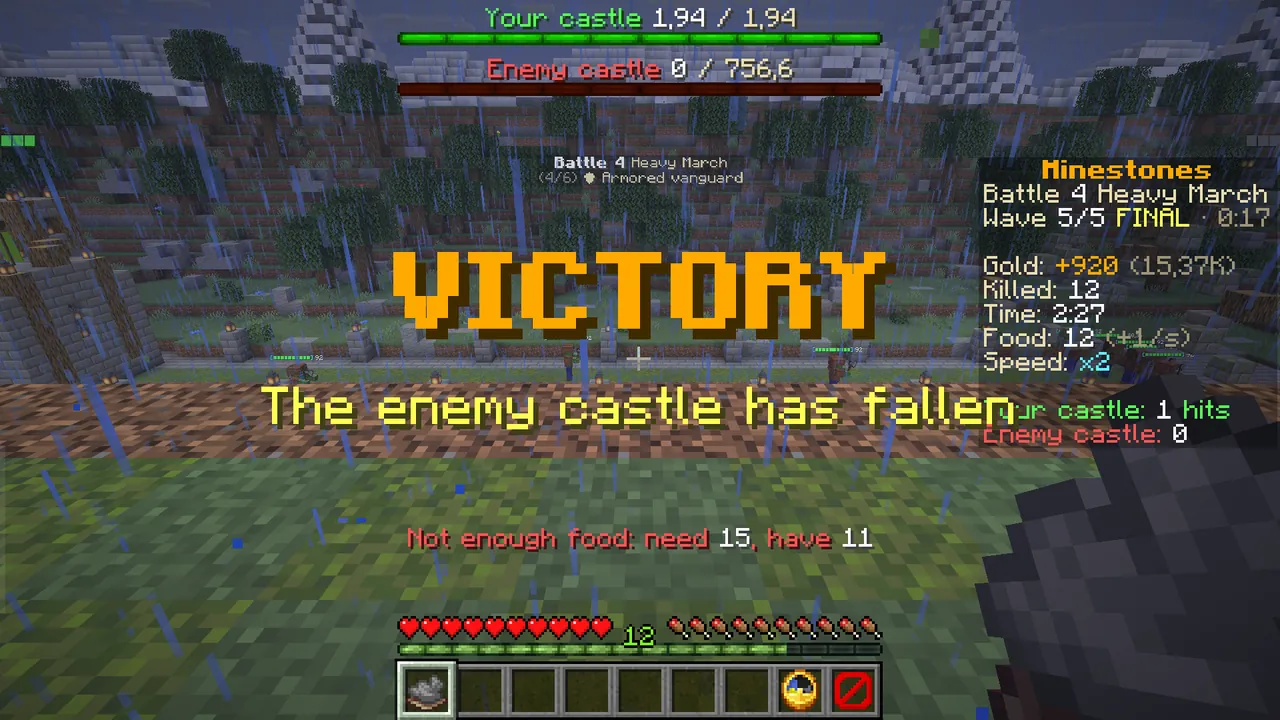 VICTORY: the enemy castle is down.
You earn gold even when you lose. Spend it on upgrades in the menu, then try again.
Tactics
- Meet the first waves with cheap melee units; save food for the expensive ones.
- Ranged units die easily alone: keep one or two melee units in front of them.
- If your castle falls in one hit, buy Castle health first.
- Stuck on a battle? Replay the battles you already won in this age with "↺ Past battles" and collect gold.
- If the enemy is stronger, draw cards and equip potions.
The six battles of an age, and evolving
Every age has six battles: 1 Vanguard Line, 2 Archer Ambush, 3 Swarm Night, 4 Heavy March, 5 the Guard, 6 the Age Lord. Beat the
Lord and "✦ Evolve" opens in the main menu, taking you to the next age. /ms ages shows your current age and the next one.
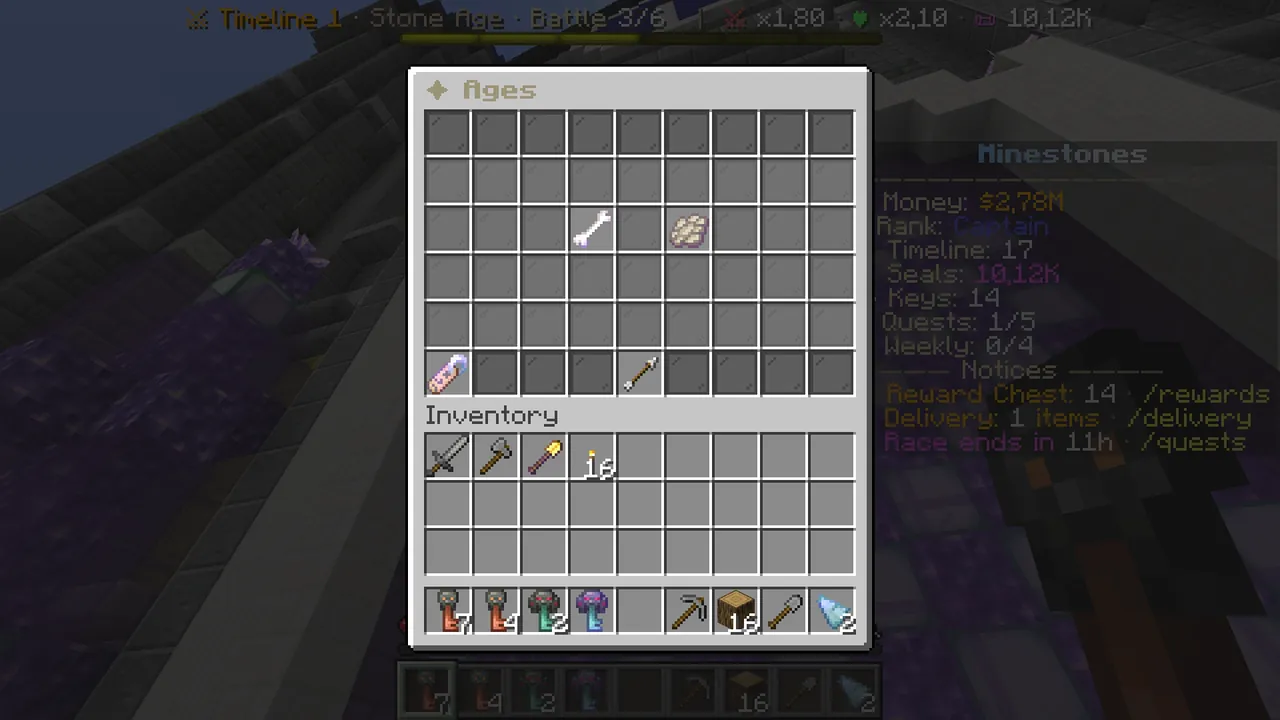 /ms ages: your current age and the next.
Battle rules and the fifteen ages: Wiki → Battle Guide and Wiki → Ages.