The Reward Chest and the in-game store: where does your purchase go?
Everything you buy on the website or receive as a gift waits in /rewards. The Reward Chest and the /store screen step by step, and where the VIP tiers and bundles are shown.
In Minestones you buy on the website, not in the game; the item arrives in the game's Reward Chest and you take it whenever you like. In this post we walk through the in-game store screen first, then the Reward Chest.
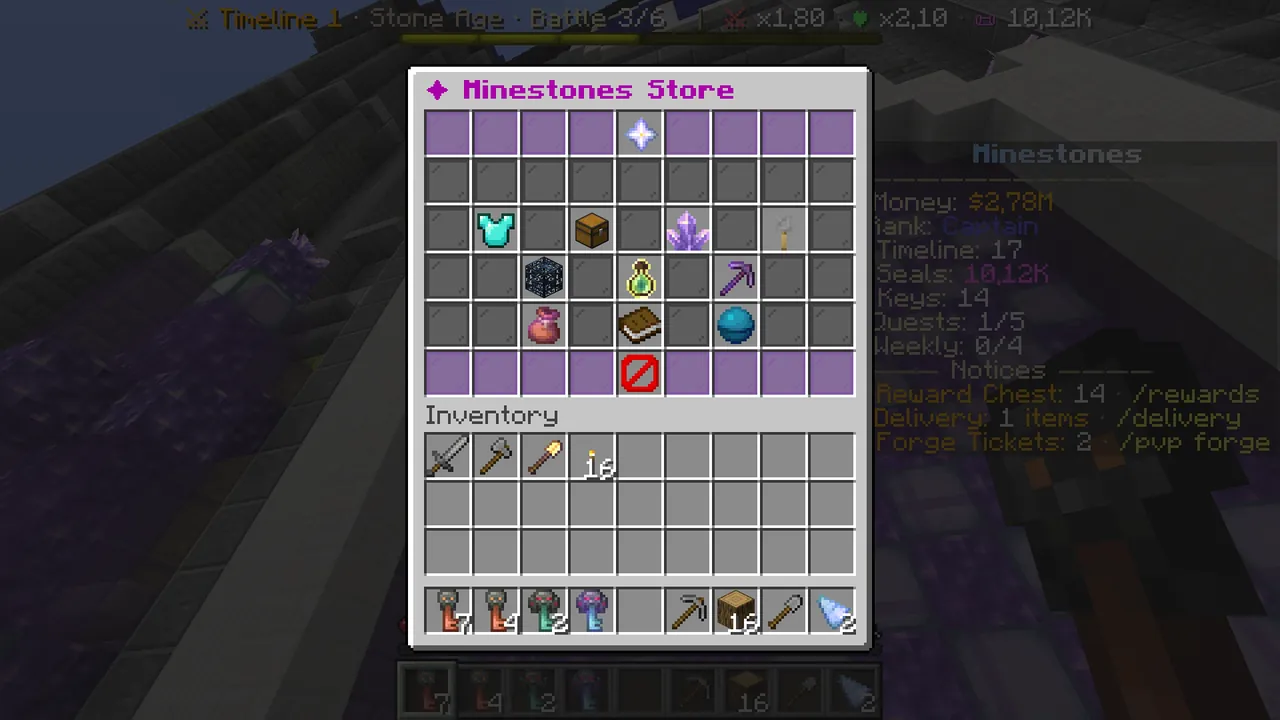 /store: the categories. Clicking a product posts the website link in chat.
The store screen (/store)
Type /store (or /magaza), or click "✦ Store" in the bottom row of the main menu (/ms).
- Row 3: VIP Membership, Discount Bundles, Seal Packs, Crate Keys.
- Row 4: Spawners, Arena XP, Timed Tools.
- Row 5: "✉ Gift a friend", "What are Seals for?" and "❤ Support the server".
Clicking a category opens its page. Products have two clicks:
- Left click: posts the product's store page in chat.
- Right click: posts a link to gift the product to a friend.
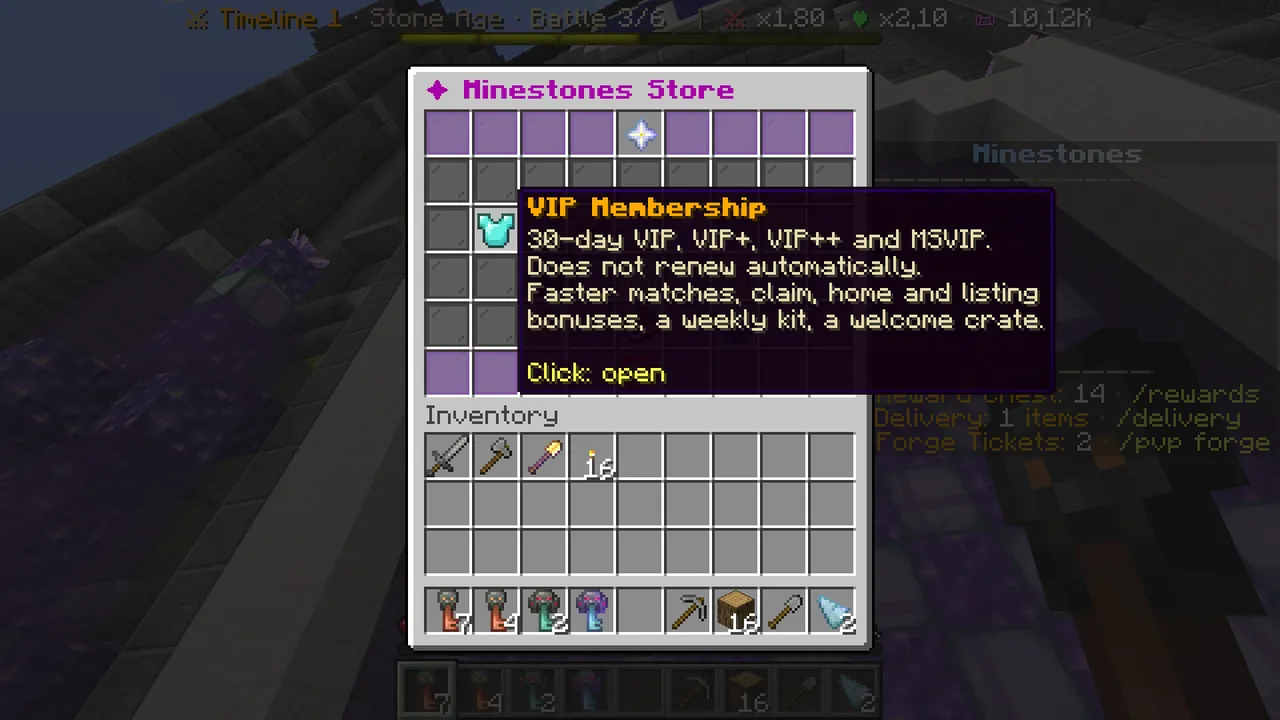 The VIP Membership category.
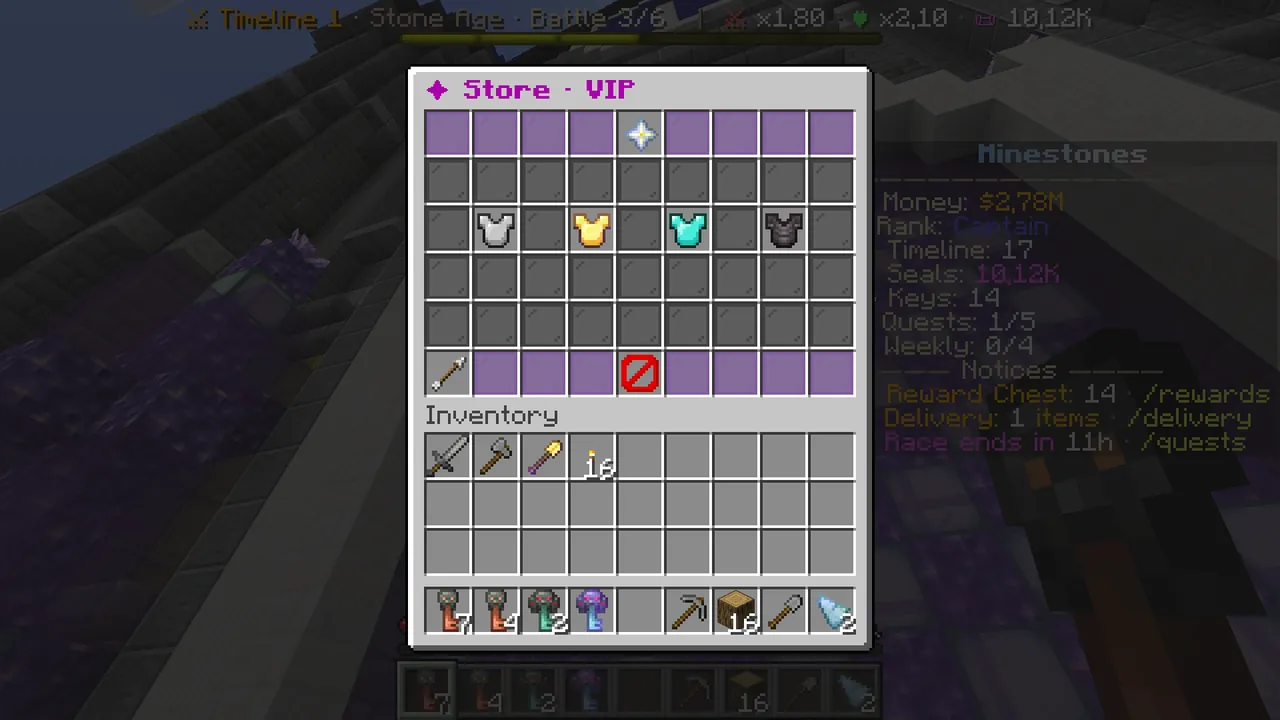 The VIP page: VIP, VIP+, VIP++ and MSVIP.
Hover a VIP tier to see its price, its length (30 days, no automatic renewal) and everything it gives, line by line: match speed, personal chest rows, commands, claim blocks, homes, auction listings, orders, the /rtp cooldown, spawner range, sell prices, the weekly kit and the tag in chat.
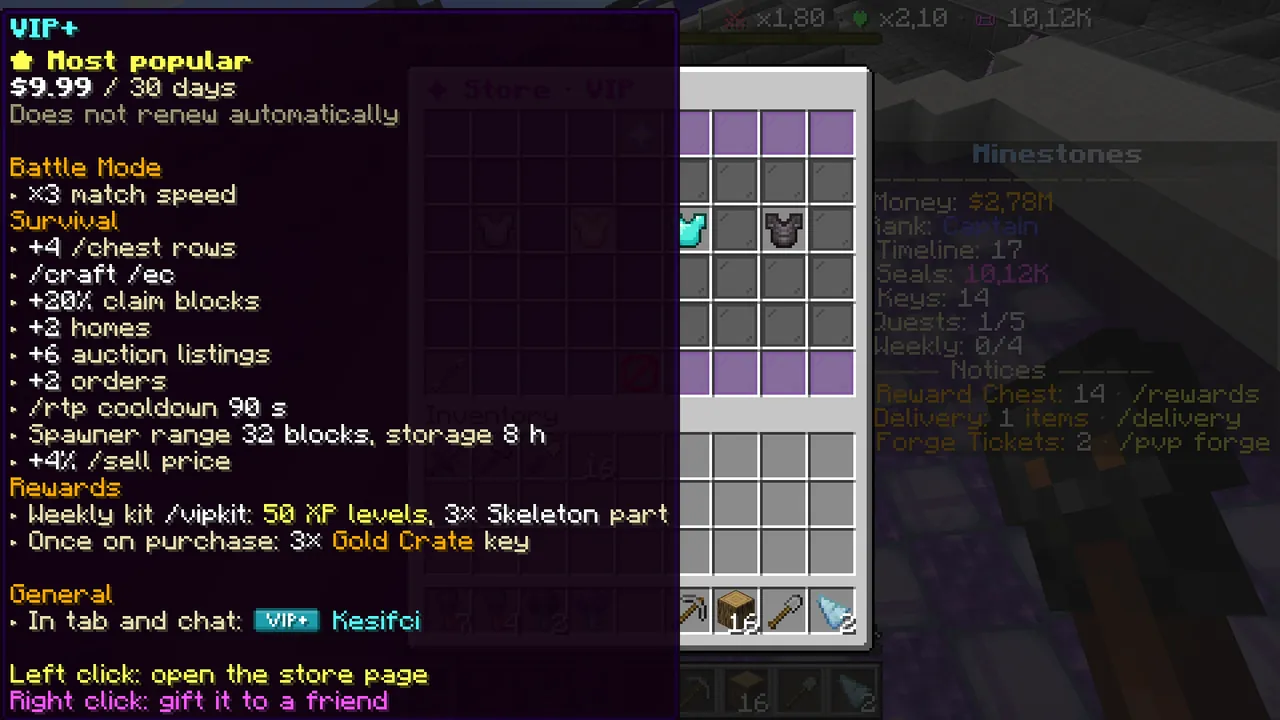 VIP+: every perk in one list.
Bundles give several products together. The discount on a bundle is real: it is compared with the total price of buying its contents one by one. The Starter Bundle can be bought once per account.
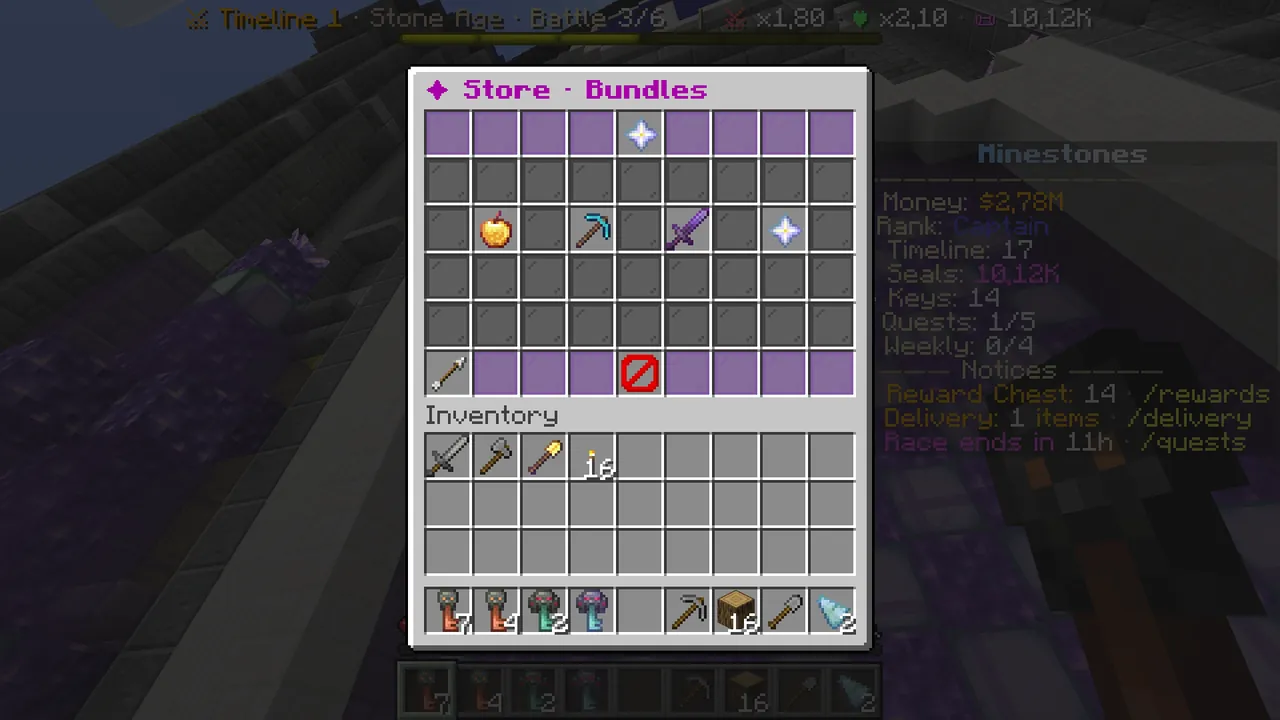 Bundles: contents and the real discount.
How does buying work?
- In game, left-click a product. A clickable link appears in chat.
- The link opens the product's page on the website. Payment is made with Shopier.
- When the payment is confirmed, the item lands in the game's Reward Chest and chat says something new has arrived.
To gift something, you write your friend's in-game name on the website; the gift lands in their Reward Chest.
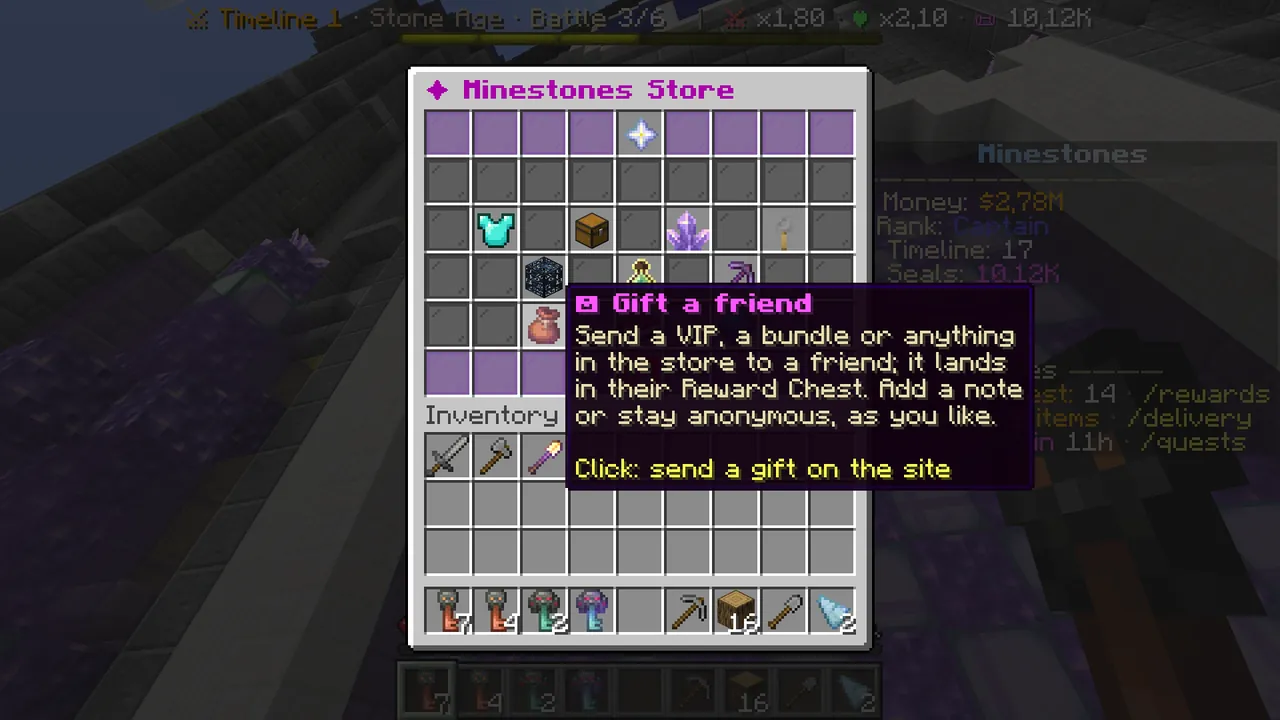 A gift lands in the receiver's Reward Chest; add a note or stay anonymous if you like.
The Reward Chest (/rewards)
What you bought on the website, gifts and staff rewards wait here. You cannot put anything in, you only take.
- Type
/rewards(or/odulsandik). If the panel on the right shows "🎁 Reward Chest: N", something is waiting. - Click the reward you want. It goes to your account and chat confirms it.
- To take everything at once, click "Take all" in the middle of the bottom row.
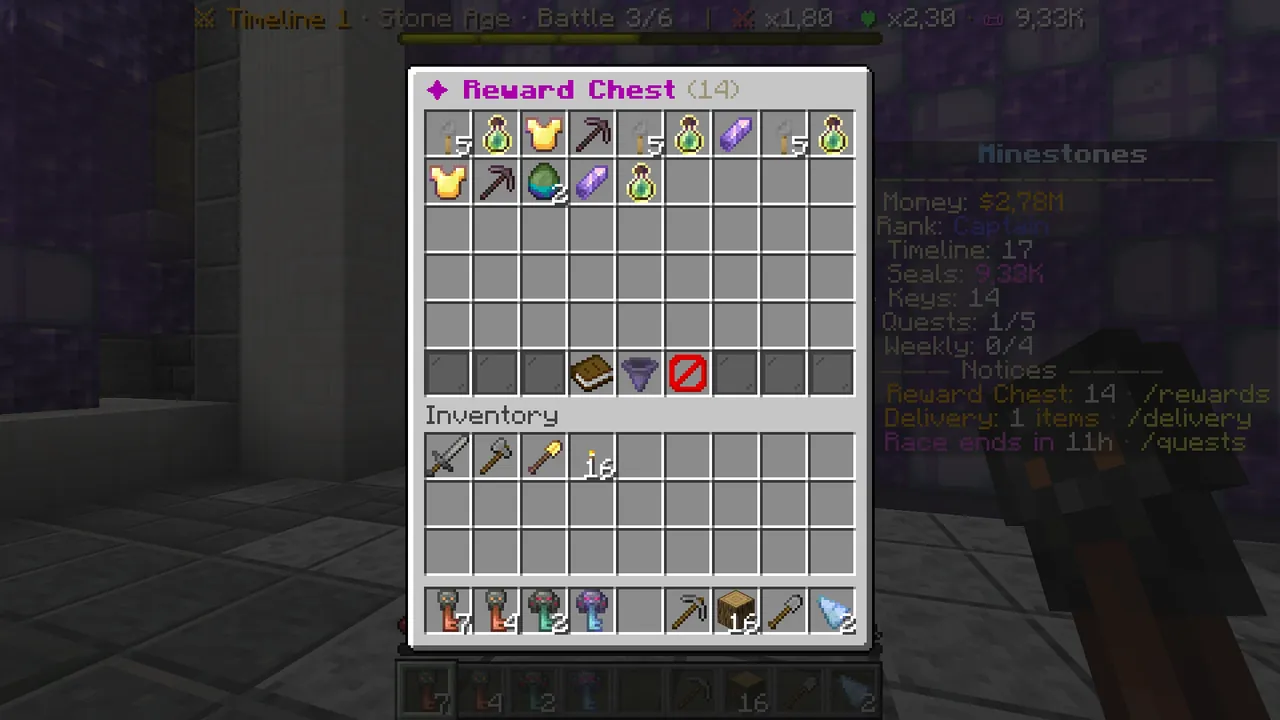 The Reward Chest: Seals, keys, XP, VIP, a timed tool and spawners.
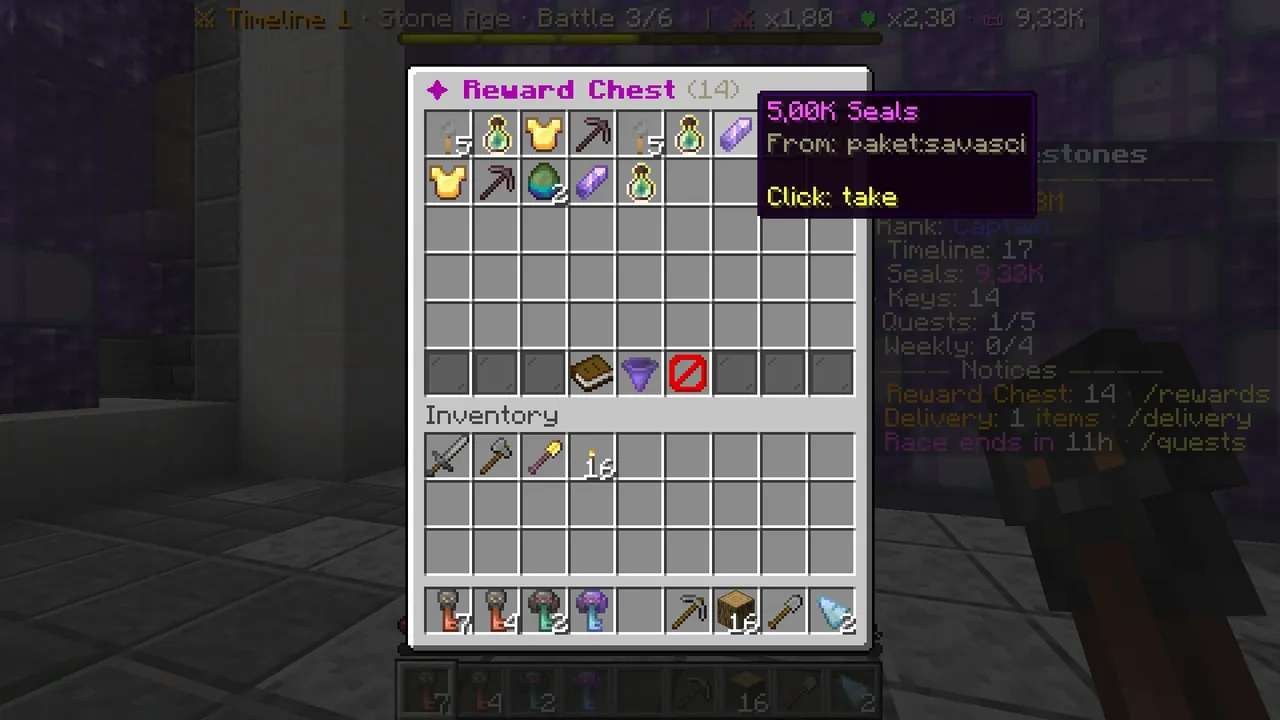 Each reward shows where it came from.
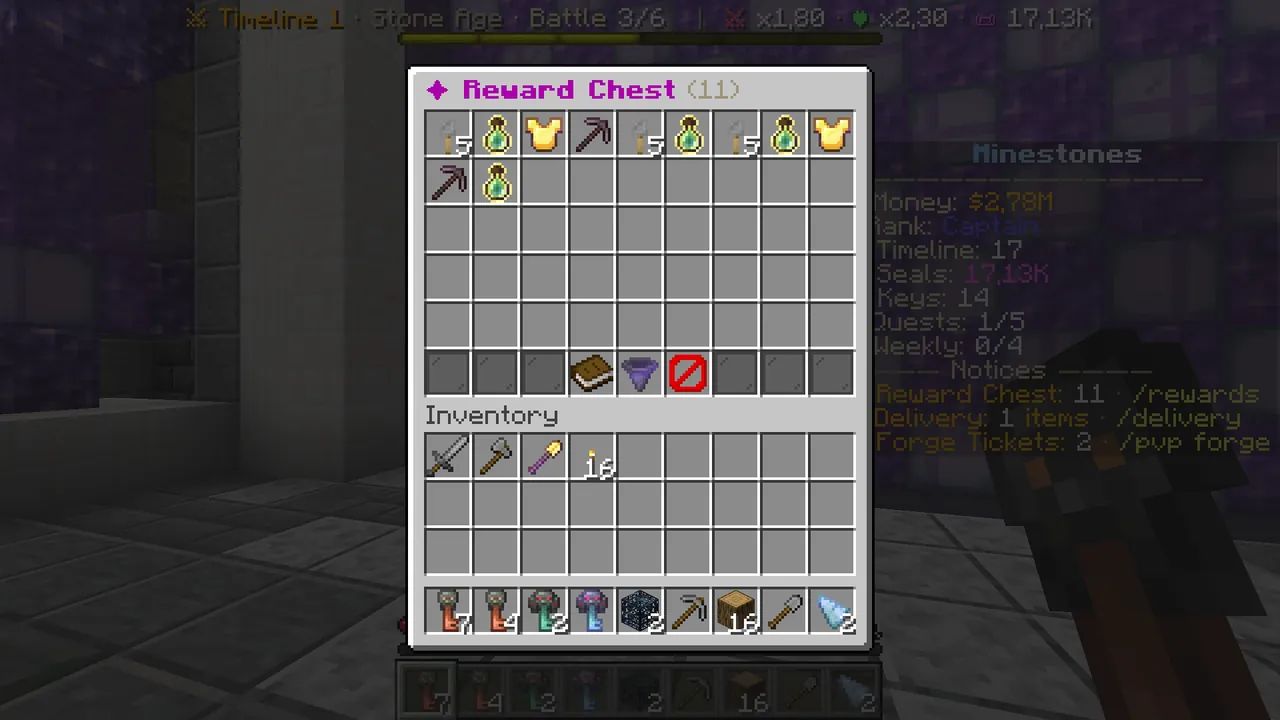 Every reward you take is confirmed in chat.
Good to know
- Timed tools and match speed boosts start the moment you take them. Their time does not run while they wait in the chest; take them when you are ready.
- XP levels are not taken by "Take all"; take them one by one. XP drops when you die (it is kept on your own claim), so take it somewhere safe.
- Spawners and timed tools need a free inventory slot.
- The Reward Chest does not open in the battle world: open it at spawn or in survival.
- If your inventory is full, the rest goes to
/delivery; nothing is lost.
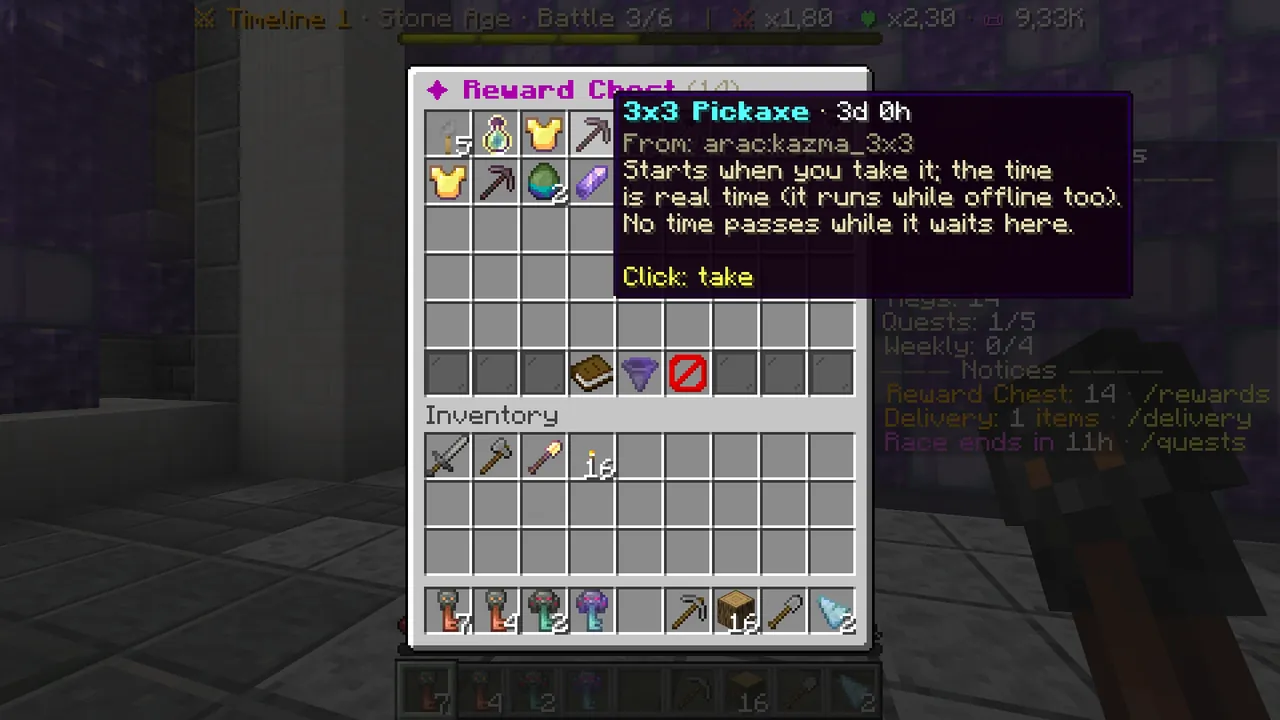 A timed tool's time starts the moment you take it from the chest.
The full store: minestones.net/en/magaza. Every menu step by step: Wiki → Store and Reward Chest.