

Wiki: Survival and Economy
A step-by-step guide: how to play, how to win battles and what waits for you in every age.
Survival and Economy
Survival is the Minecraft you know, with an economy on top. Its money is shown as $ and never mixes with battle gold.
Getting started
Your first trip through the blue district brings your starter kit and a Claim Shovel (a golden shovel); /rtp takes you to an empty spot. Right-click one corner with the shovel, then the opposite corner: your claim opens at once. Claims open and grow only with the shovel (lost it? /claims shovel). Each claim costs its area in claim blocks (10×10 = 100); open as many claims as your blocks allow and grow one by clicking its corner. Add friends with /claims trust <player>. Your claim blocks grow with your rank (from 10×10 at Acemi to 120×120 at Efsane). Save your home with /sethome.
Making money
- Market (
/sell):/sellopens a sell chest: every item you put in (even dirt and stone, if only for a little) sells at a fixed price; farm, mine and mob goods pay best./sell allsells only the market goods. Sell in one field (farming, mining, mobs…) and you gain mastery: that field pays more for good. Your rank raises prices too. - Auction house (
/ah): list the item in your hand at your own price for other players. A small tax is taken from sales. - Orders (
/siparis): post "I buy this many at this price"; the money is set aside at once and items arrive as others fill it. The other way round, fill other players' orders for instant money. - Spawners: crates give spawners and spawner parts (
/spawner birlestir). A spawner placed on your claim spawns no mobs. Within 16 blocks (standing still counts) items and experience pile up in storage and never drop on the ground. Right-click opens the menu (storage, sell all, take XP); sneak and right-click to take everything. Looking at it shows its type, stack, XP per hour and whether it is producing in the action bar. Right-click a spawner with the same type to stack it (sneaking: everything in your hand). Breaking takes 1 spawner off the stack, a sneaking break takes 64, straight into your inventory, where spawners stack to 64. When the last one is broken, stored items and XP are not deleted; they come to you. A spawner's real prize is XP, the fuel of the arena's XP Forge. The Creeper makes the most (6,000 per hour), then the Enderman and the Blaze; the Iron Golem brings the most money. Every rank may place every spawner type on its claim. Keep your spawner inside your claim: another player can take a spawner that is in no claim with a Silk Touch pickaxe (its stored items and XP still go to you).
Goods bought from villagers (and things made from them) and drops from automatic farms (mobs no player killed) cannot be sold to the market; they can go to the auction house.
The link to battle
The War Treasury (/hazine) is the only bridge from survival money to battle: playing battles earns rights, and one right plus some $ buys the gold of two wins. Rights never pile up without playing.
Rules
PvP is on in the survival world; inside a claim its owner and trusted players cannot be hit. Whoever hits a player and whoever gets hit are combat tagged for 15 seconds: teleport commands don't work and logging out kills you where you stand. /pay <player> <amount> sends money to an online player (no tax, no daily limit). The auction house, orders and /ode are open to everyone from the first login.
Step by step: the survival menus
/economy: all survival menus in one place (Treasury, Crates, Quests, rank, Claims, Market, Orders, Auction House)./sell: put items into the top area and press the green glass at the bottom right. Closing returns what did not sell./market: prices and your sell mastery; "Sell what you hold", "Sell everything" and "Sell chest" buttons./treasury: one right for every 8 finished battles; "Buy the treasury" turns a right and some $ into battle gold./auction: click a listing, confirm, buy. To sell, hold the item and type/auction sell <price>./orders: click someone's order, deliver the items, get paid at once. To order:/orders create <item> <amount> <price>; collect deliveries in/orders minewith a left click./warps: Spawn, Market Square, Crate Court, Battle District, Classic PvP, Survival World, The Wild./claims: your claims and claim blocks; "Get a Claim Shovel" at the bottom.- Spawners: right-click your spawner; storage, details (click: sell everything + take XP) and Take XP.
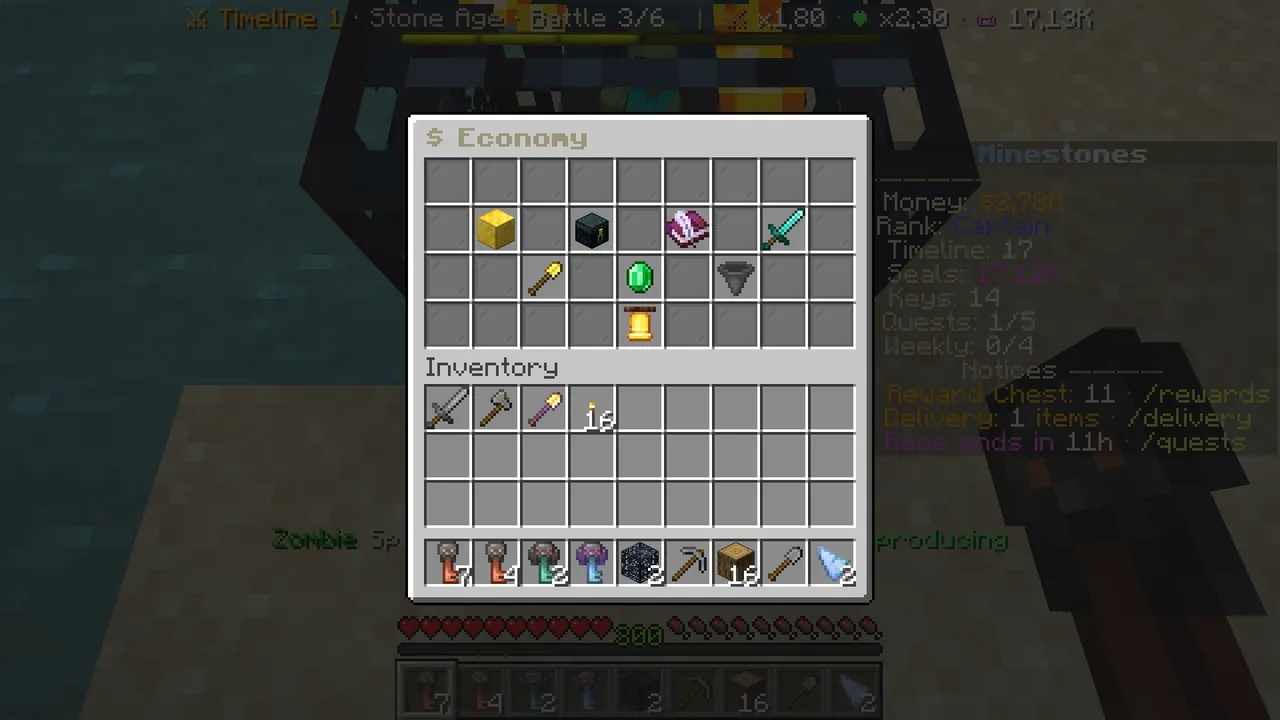 /economy: the door to the survival menus.
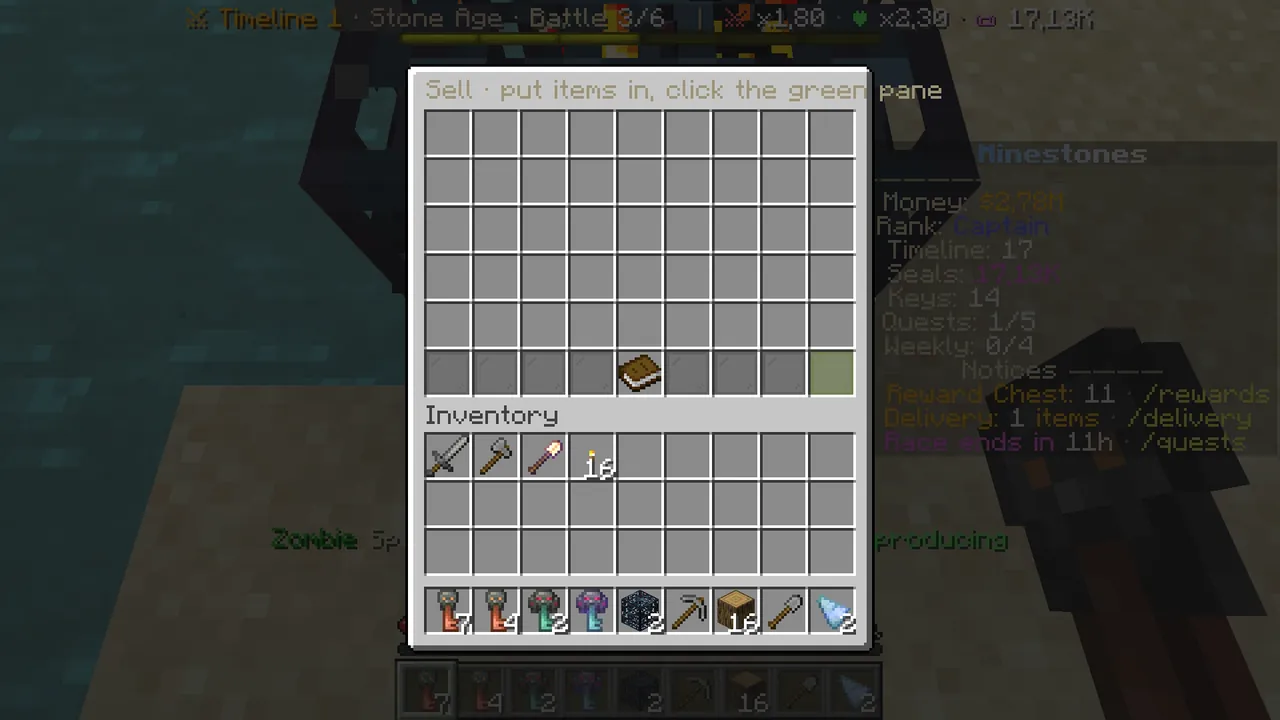 /sell: put items in, press the green glass.
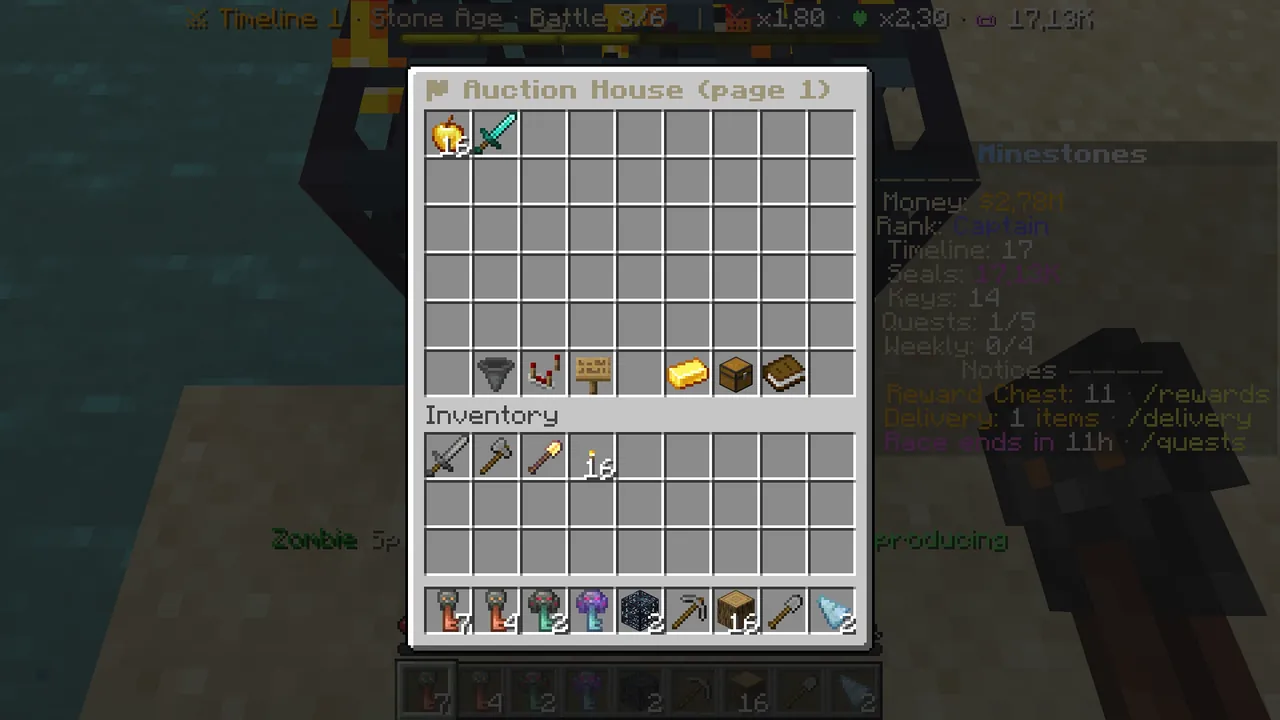 /auction: listings and filters.
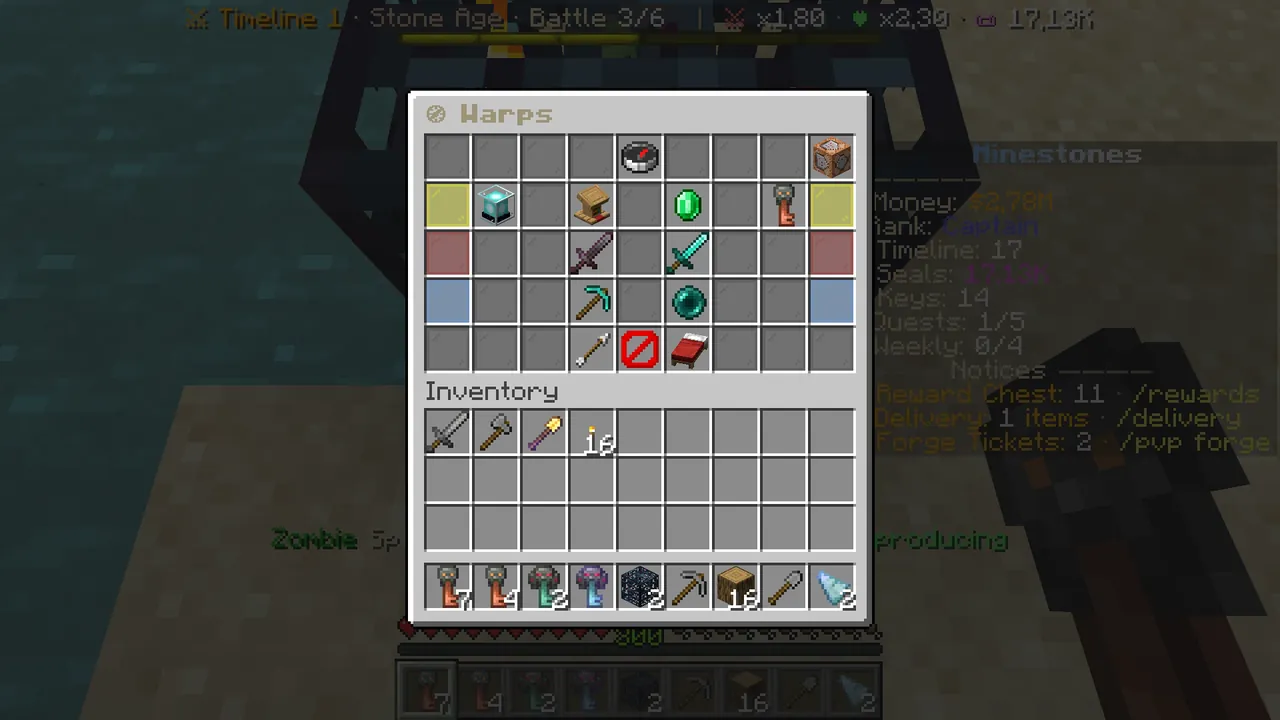 /warps: teleport points by category.
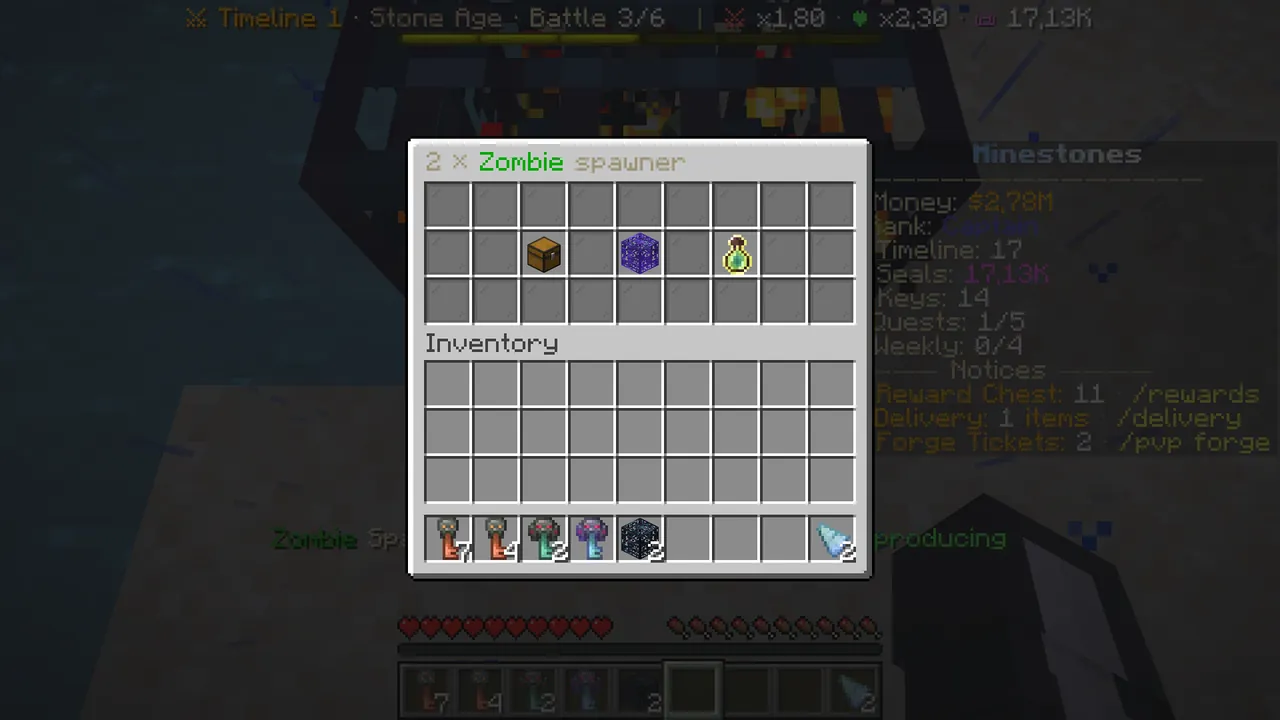 The spawner menu: storage, details, Take XP.
In more detail: The survival economy step by step · The Auction House and orders · Warps, homes and claims · The spawner guide.