

How to Register on a Minecraft Server: /register, /login, 2FA
How to register on a Minecraft server: /register and /login, choosing a strong password, two-step verification, sessions and what to do if you forget it.
Registering on a cracked Minecraft server takes a few seconds: you type one command in chat and pick a password. But that password is the only lock on everything you build, so it's worth knowing how it works.
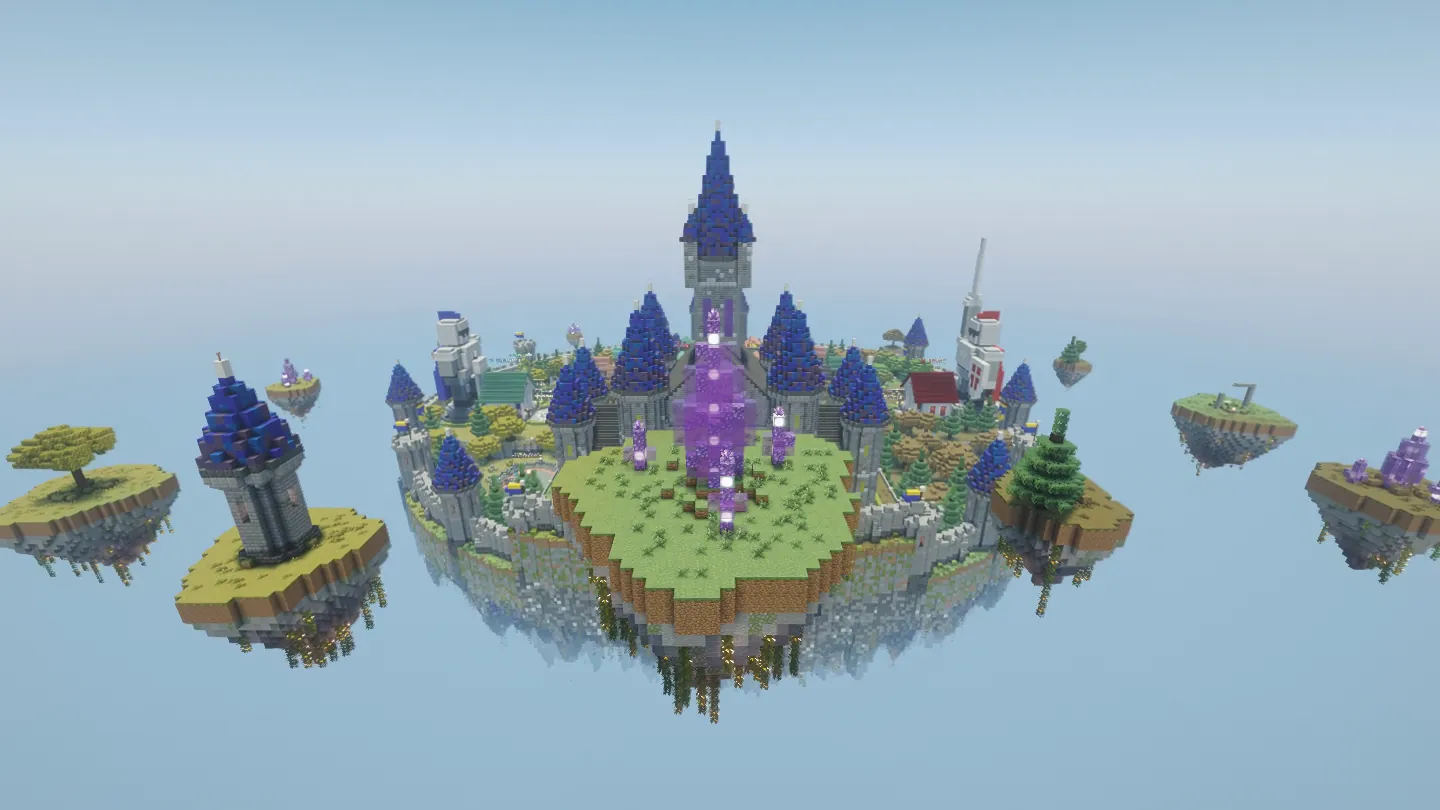 You register and log in in the lobby, then move on to the spawn island.
This guide explains why registering is needed, how to do it step by step and how to keep your account safe, using the real rules on Minestones.
Why do cracked servers make you register?
On servers that require original (premium) accounts, Mojang verifies who you are. On servers you join with launchers like TLauncher or SKLauncher, anyone can type any name. So the server protects your account with a password: you claim your name first, and from then on anyone who wants to join with it has to know your password.
On Minestones, players with original accounts go through the same step: everyone sets a password on their first join.
How to register on a Minecraft server, step by step
- Open Minecraft Java Edition (1.20 or newer) and connect to
play.minestones.net. - You land in a glass hall in the lobby. Until you log in you can't move and nobody can see you; a title and a countdown bar are on screen.
- Open chat with
Tand type/register <password> <password>: the same password twice, separated by a space. For example/register Blue-Eagle-Nest7 Blue-Eagle-Nest7. (Don't use this example; pick your own.) - When you see "Registered! Welcome." your account is open, and you drop down into the lobby square.
You have 150 seconds to register. If time runs out the server disconnects you politely; just reconnect and type it. Clicking the lines in chat puts the command in your input box for you.
Careful: if you forget the / at the start, your password could turn into a chat message everyone sees. Minestones guards against
that: messages without a slash that look like a password command are not sent, and you get a "Put a / in front of the command" warning.
Still, make it a habit: password commands always start with /.
Next time: /login and remembered sessions
Next time you only type /login <password>. If you come back with the same name, the same connection and the same client (same
version and launcher) within 4 hours, no password is asked and you see "Welcome back!".
If you played on a shared computer, type /logout before you leave: the password will be asked next time from that connection. To
sign out on every device, use /logout all <password>.
How to choose a strong password
The rules on Minestones:
- At least 8 and at most 64 characters.
- No spaces.
- It can't contain your player name.
- Very common passwords (anything on a list of thousands) and trivial ones made of one repeated letter or a sequence like
12345678are refused.
Beyond the rules:
- Pick a password you don't use anywhere else. A password leaked from one server works everywhere you reused it.
- Make it long and memorable: three or four words joined with dashes and a digit are both stronger and easier to remember than a short, complex password.
- Never share it. Minestones staff will never ask for your password; anyone who does is not staff.
Minestones never stores your password as plain text; it's stored as an Argon2id hash, and repeated wrong attempts temporarily lock the account from that connection.
Two-step verification (2FA)
The best way to protect your account even if your password leaks is two-step verification. Install an authenticator app such as Google Authenticator, Aegis or Microsoft Authenticator on your phone, then in game:
- Type
/2fa setup <password>. A setup key appears in chat (click to copy); on a phone you can open the link instead. - In the app, choose "enter a setup key" and add the key.
- Type the 6-digit code the app shows with
/2fa <code>.
From then on, every login asks for the code after your password, even in a remembered session. You have 180 seconds to type the code. Codes change every 30 seconds; if the code keeps coming up "wrong", your phone's clock may be
off, so set it to automatic time. To turn it off: /2fa off <password> <code>. Before switching phones, turn 2FA off or back up your authenticator app.
Changing your password
Change it with /changepassword <old> <new> <new>. Your sessions on other devices are closed when it changes. You can use the command
once a minute. If you think someone else has been in your account, change your password first, then turn on 2FA.
If someone else got into your account
- Change your password right away with
/changepassword <old> <new> <new>; sessions on other devices close. - To be sure, sign out everywhere with
/logout all <password>. - Turn on two-step verification with
/2fa setup <password>. - If items or money are missing, open a ticket on Discord and say when you noticed.
I forgot my password
Cracked servers usually have no email reset, because your game account isn't tied to an email address. On Minestones, if you forgot your password, open a support ticket on our Discord and staff will help. You can't make a new account with the same name, because the name is already registered.
Website account vs. game account
Your account on minestones.net is a separate account: it's created with an email address and is used for the store, your profile,
leaderboards and so on. To link your game account to it, type /ms web in game and enter the code on the site under My Account →
Minecraft Account. If you get stuck, see Account Linking Help.
Having trouble?
If you see an error while registering or logging in, Can't connect to a Minecraft server lists fixes error by error. If it's your first time on TLauncher, read How to join a server with TLauncher; for the general steps, see How do I connect?.
FAQ
How do I register on a Minecraft server?
Connect, open chat with T and type /register <password> <password>. On Minestones the password needs at least 8 characters, no
spaces and must not contain your name. After that, /login <password> is enough.
I have an original account. Do I still need to register? On Minestones, yes. Everyone sets a password on their first join, and that password protects the account.
Do I have to type my password every time? Not if you come back with the same name, connection and client within 4 hours. If 2FA is on, the code is still asked.
Why do I get "This password is too common" when registering? Your password is on a list of easy-to-guess passwords. Pick one that joins a few words and a digit and that you don't use anywhere else.
To open your account, connect to play.minestones.net and type /register in the lobby; two minutes later you're on the spawn island.
Written by the Minestones team. We build the game, the servers and this website. About us →