
Can't Connect to a Minecraft Server? Fixes for Every Error
Can't connect to a Minecraft server? Fixes for timed out, unknown host, outdated client, TLauncher errors, name rules and login problems, one by one.
When you can't connect to a Minecraft server, the reason is almost always simple, and the error on screen tells you what it is. This
guide goes through the errors one by one; the examples come from Minestones (play.minestones.net), but most fixes apply to any Java
server.
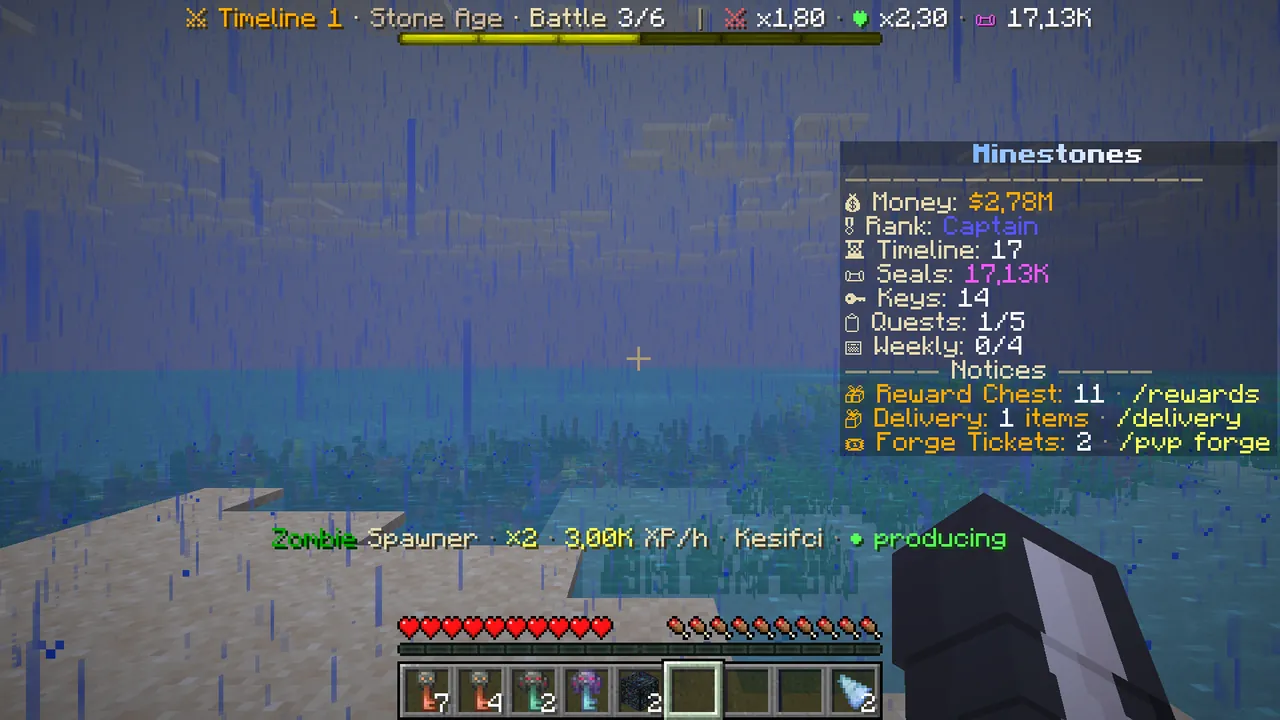 Once it's fixed: your first steps in the Minestones survival world.
The 30-second check first
Before reading the error, check these four things; most problems end here:
- Is the address right?
play.minestones.net: nohttp://in front, no space or dot at the end. You don't need a port. - Did you open Java Edition? Minestones is Java Edition only; Bedrock (phone, console, the Bedrock version on Windows) can't connect.
- Is your version 1.20 or newer? If it's older, pick a newer version in your launcher.
- Is your internet working? If other sites and games work, the problem is most likely the address, the version or a firewall.
Can't connect to a Minecraft server: fixes by error message
"Unknown host"
Your computer can't find the address. Delete it and type it again. If that doesn't help, clear the DNS cache: type cmd in the Start
menu, then type ipconfig /flushdns in the window and press Enter. Still nothing? Try setting your router's or connection's DNS to
1.1.1.1 or 8.8.8.8.
"Connection timed out"
The connection goes out but no answer comes back. The usual causes:
- Firewall: in Windows Defender Firewall open Allow an app through firewall and make sure Java (
javaw.exe) is ticked for both private and public networks. If you use a separate antivirus, check its firewall too. - School, dorm or work network: these often block game traffic. Try your phone's hotspot; if it connects there, the network is the problem.
- VPN or proxy: turn it off and try again.
- Router: unplug it for 30 seconds and plug it back in.
"Connection refused"
The address is found but nothing answers. There may be a typo (for example an extra port at the end), or the server may be in a short maintenance. Try again in a few minutes; maintenance is announced on Discord.
"Outdated client" / "Incompatible client"
Your version is outside the server's range. Minestones accepts every version from 1.20 up to the newest, 26.3. Pick a newer version in your launcher; the newest is the least trouble.
"Failed to verify username"
This appears when you join a server that requires an original (premium) account with a cracked launcher. Minestones accepts cracked accounts, so you shouldn't see it here; if you do, you're probably connecting to a different address. If it happens in the official launcher, logging out of the launcher and back in usually fixes it.
"Your name must be 3–16 characters…"
Names may only contain English letters, digits and underscore (_) and must be 3–16 characters long. No spaces or accented letters.
Fix the name in your launcher.
"This name is registered as …"
Your account is registered with its exact capitalisation. Join with the name spelled exactly as the message shows (for example
Kartal_42, not kartal_42).
"Someone with this name is in the game right now"
Someone with the same name is online. If it's your account and it isn't you, change your password right after you log in
(/changepassword <old> <new> <new>); if it isn't yours, pick another name. "This name looks too much like a staff member's name"
also means you need a different name.
"Time to log in ran out" / "Time to register ran out"
You have 150 seconds in the lobby to type /register or /login. Reconnect, open chat with T and type it straight away.
"Too many wrong passwords" / "This account is temporarily locked"
Three wrong passwords on one connection gets you disconnected. Too many wrong attempts in a short time lock the account from that connection for a few minutes; the message says how long to wait. If you forgot your password, open a ticket on Discord.
"At most … accounts can be created from one connection" / "An account was just created"
For bot protection, the number of accounts per connection is limited. If you share a home, dorm or mobile network, message us through the Discord link in the message and we'll open your account.
Kicked once on your first connection
The server's bot protection runs a short check the first time you connect. On new versions you won't notice it; on an older version you may be disconnected once with a "reconnect" message. Just reconnect.
Mods, modpacks and the resource pack
You don't need any mods to join Minestones. Visual mods like OptiFine or Sodium are fine, but mods that also have to be installed on the server (big modpacks) can break the connection. If in doubt, try the plain (vanilla) version first. Hacked clients are banned by the rules.
When you move to MS Survival you may be offered a resource pack: it shows badges as pixel art and is optional; you can join even if you decline. To change it, select the server in the list, click Edit and change Server Resource Packs.
What is the "link help" page for?
The Account Linking Help page on the site is not about connecting to the server; it's about linking your
website account to your game account with the code you get from /ms web. If you can't get into the game, the page you want is
How do I connect?.
Still can't get in?
Open a support ticket on our Discord with: the exact error text (or a screenshot), your launcher (official, TLauncher, SKLauncher…), your Minecraft version and the time you tried. With those four things we find the problem much faster. Staff will never ask for your password.
On TLauncher, see How to join a server with TLauncher for the full setup and the TLauncher server page for a summary.
FAQ
I can't join on TLauncher but my friend can. Why? Usually a version difference; pick the same version as your friend. Then compare the address and your name. If those match, check your firewall and network.
What if the server list says "Can't connect to server"? Click Refresh first. If it stays, check the address, then your internet and firewall. It may also be a short maintenance; check the announcements on Discord.
Can I connect from Bedrock (phone, console)? No. Minestones only accepts Minecraft Java Edition 1.20 and newer.
I forgot my password. Can I make a new account? Not with the same name; it's already registered. Open a ticket on Discord and we'll help.
If everything checks out, reconnect to play.minestones.net; see you on the spawn island.
Written by the Minestones team. We build the game, the servers and this website. About us →