Welcome to Minestones: how to join and where to start
Join play.minestones.net, create your account in the lobby and head from the spawn island to battle or survival. A guide to your first half hour.
Minestones is a Minecraft Java server with two halves: in battle mode you send your army down a single lane, break the enemy castle and climb from age to age; in survival you build your own world, trade and grow stronger. On top of that come two PvP arenas. All of it feeds the same progress: evolving in battle raises your rank, and your rank opens new doors in survival and in the arena.
How do I join?
- Start Minecraft Java Edition (1.20 or newer).
- Click Multiplayer → Add Server and enter
play.minestones.netas the address. - Join the server. You arrive in the lobby first.
On your first visit, type /register <password> <password> in the chat to create your account; after that, /login <password> is
enough. Your password needs at least 8 characters and must not contain your name. To protect your account even better, turn on
two-step verification with /2fa kur <password>. Once logged in, use the compass in your hotbar or the lobby gate to go to
MS Survival.
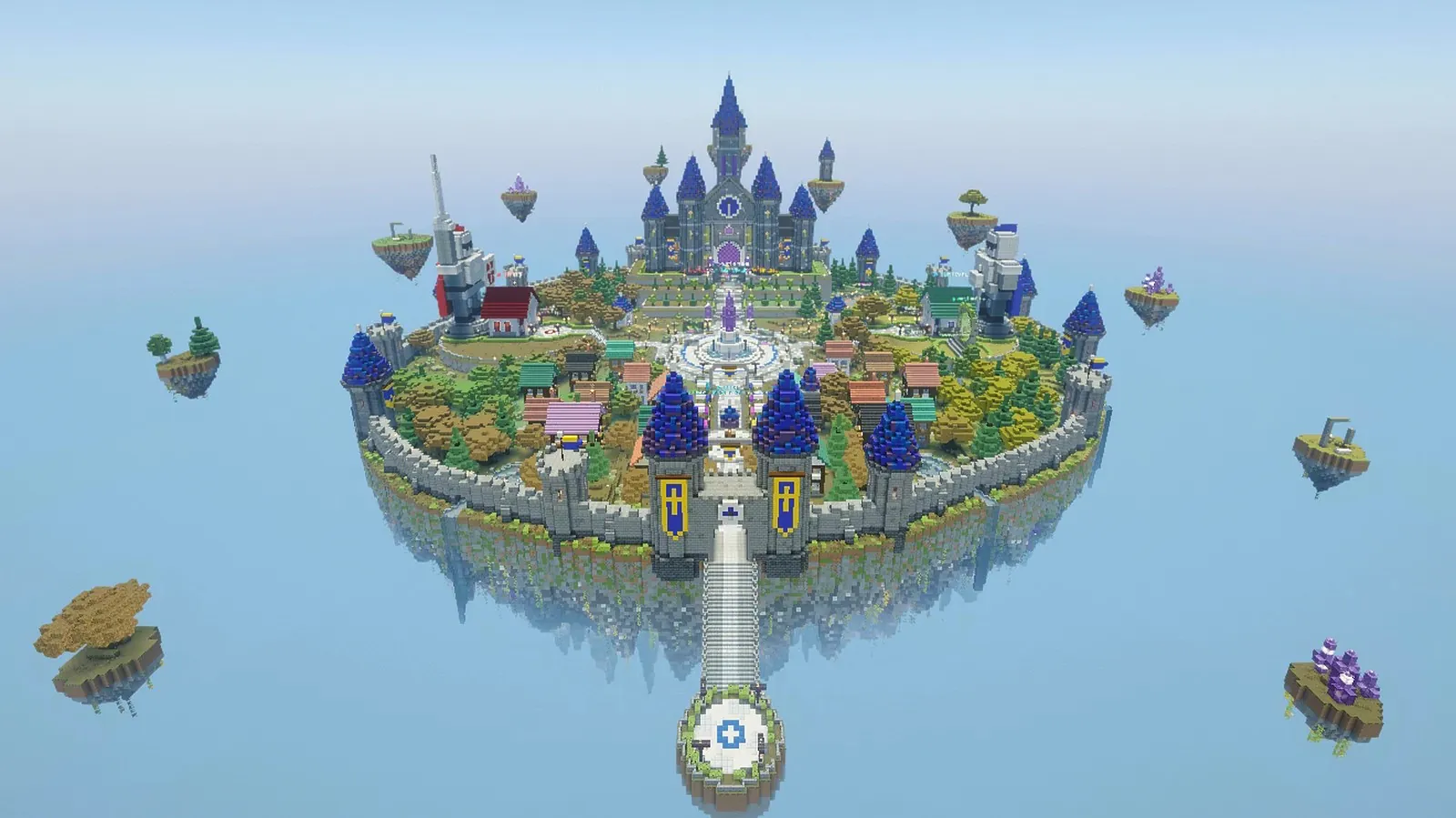
The spawn island
In the game you start in a castle city floating in the sky. Everything is within walking distance:
- Red area — the gate to battle (or
/ms lobi). - Blue area — the survival world. On your first visit you get a starter kit and your Claim Shovel.
- Castle — the main menu: battles, upgrades, cards, potions (
/ms). - Bazaar — the market, the Auction House and the order board.
- Crate Square — where you open your keys in real crates.
Not sure where to go? Type /warp: every important place is in a menu by category. /guide opens a short guide in game.
Your first half hour
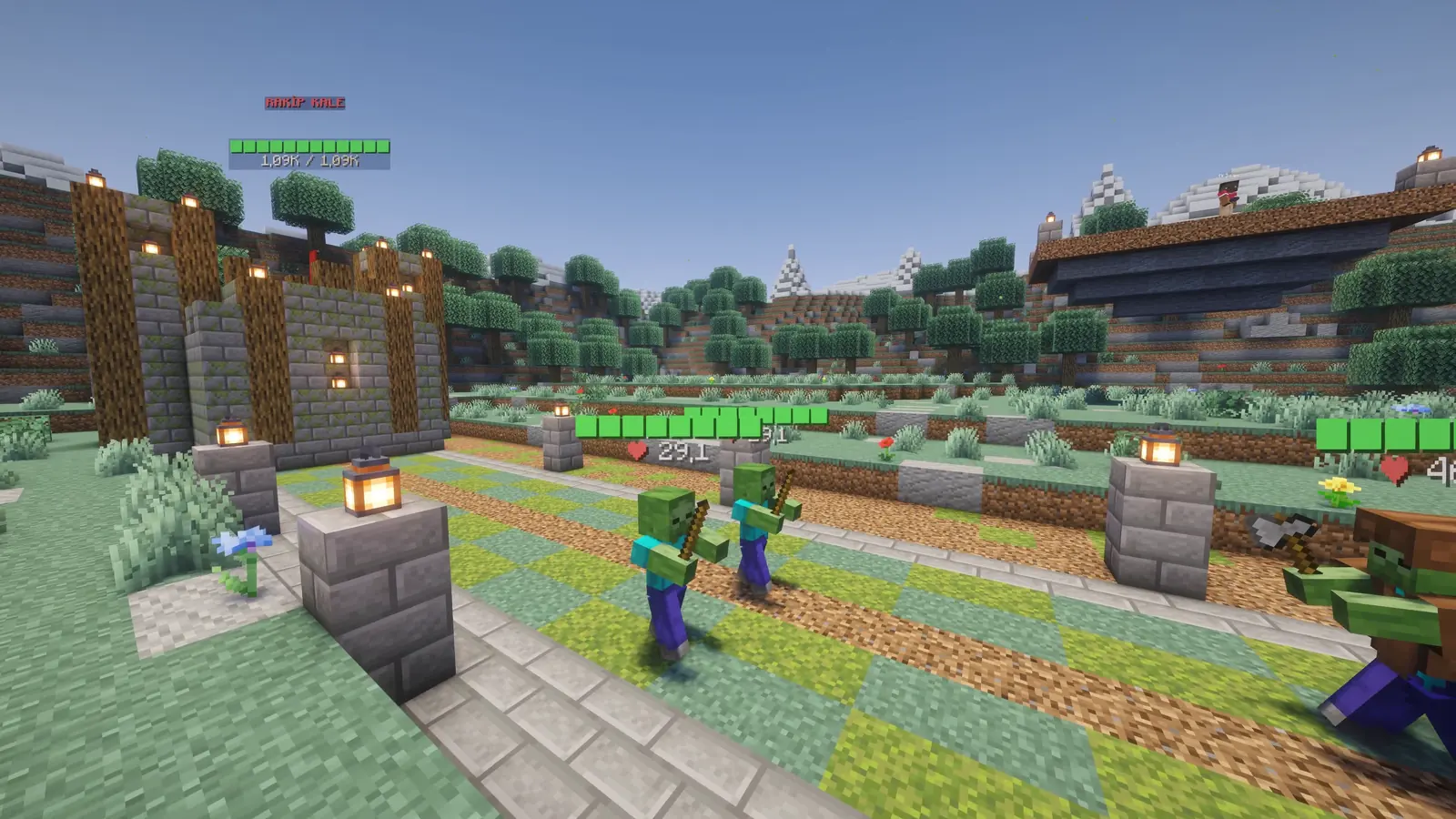 Your first battle: your units meet the enemy's on the lane.
- Enter battle from the red area and play your first battle. Spend the gold you win on your first upgrades.
- Battles you win for the first time give you crate keys and Seals.
- Go to survival from the blue area, teleport to an empty spot with
/rtpand protect your home by right-clicking two corners with the Claim Shovel (a golden shovel). - Check today's quests with
/quests: each one gives Seals, finishing all of them gives a key. - Open your keys at the Crate Square: in-game money, Seals, cards and spawner parts come out.
Link your web account
Create an account on this site, type /ms web in game and enter the code on My Account → Minecraft account to link the two. You will
then see your profile, wallet, match history and leaderboard position here, and you can shop in the store.